Decision comparison
Azure Synapse Analytics vs Databricks
Synapse and Databricks overlap heavily on Azure and differ on storage philosophy and reach. Synapse combines dedicated SQL pools, serverless SQL over Data Lake Storage and Spark in one Azure workspace with Power BI and Entra alongside. Databricks keeps data in open Parquet and Delta formats in object storage, runs on three clouds, and puts engineering, SQL and machine learning on one platform.
Architecture choice. These take different approaches to the same problem. Read the table as a fit question rather than a feature race.
These are different kinds of product — Cloud Data Warehouse and Lakehouse Platform.
Quick Comparison
| Decision factor | Azure Synapse Analytics | Databricks |
|---|---|---|
| What it is | Microsoft's unified analytics service, combining dedicated SQL pools, serverless SQL over Data Lake Storage and Apache Spark in one Azure workspace | A lakehouse platform built on Spark and Delta Lake, where data engineering, SQL analytics and machine learning share one system over open formats in object storage |
| Storage model | Dedicated SQL pools own their storage; serverless SQL reads Data Lake Storage | Open formats — Parquet and Delta Lake — in object storage, read by every engine on the platform |
| Processing | SQL pools and Spark pools in one workspace with shared metadata | Spark throughout, with SQL warehouses over the same Delta tables |
| Cloud | Azure only, integrated with Data Factory, Power BI and Entra | AWS, Azure and Google Cloud, with Unity Catalog for governance across them |
| Machine learning | Azure Machine Learning alongside, as a separate service | MLflow and model serving inside the same platform as the data |
| Cost shape | Provisioned pools you pause, serverless SQL per terabyte scanned, Spark pools per use | Compute billed per second on clusters or SQL warehouses that auto-stop |
| Best fit | Organisations on Azure wanting SQL warehousing with Spark beside it | Organisations wanting one platform for engineering, analytics and machine learning over open formats |
Azure Synapse Analytics
- What it is:
- Microsoft's unified analytics service, combining dedicated SQL pools, serverless SQL over Data Lake Storage and Apache Spark in one Azure workspace
- Storage model:
- Dedicated SQL pools own their storage; serverless SQL reads Data Lake Storage
- Processing:
- SQL pools and Spark pools in one workspace with shared metadata
- Cloud:
- Azure only, integrated with Data Factory, Power BI and Entra
- Machine learning:
- Azure Machine Learning alongside, as a separate service
- Cost shape:
- Provisioned pools you pause, serverless SQL per terabyte scanned, Spark pools per use
- Best fit:
- Organisations on Azure wanting SQL warehousing with Spark beside it
Databricks
- What it is:
- A lakehouse platform built on Spark and Delta Lake, where data engineering, SQL analytics and machine learning share one system over open formats in object storage
- Storage model:
- Open formats — Parquet and Delta Lake — in object storage, read by every engine on the platform
- Processing:
- Spark throughout, with SQL warehouses over the same Delta tables
- Cloud:
- AWS, Azure and Google Cloud, with Unity Catalog for governance across them
- Machine learning:
- MLflow and model serving inside the same platform as the data
- Cost shape:
- Compute billed per second on clusters or SQL warehouses that auto-stop
- Best fit:
- Organisations wanting one platform for engineering, analytics and machine learning over open formats
Public signals
Verified factual signals only. Bars appear only for like-for-like metrics with five weekly assessments for every tool; missing evidence stays explicit. These signals do not establish enterprise adoption, product quality, or total cost.
| Metric | Azure Synapse Analytics | Databricks |
|---|---|---|
| Search interest(Market interest) | 1 | 34 |
| Hacker News mentions, 90d(Community interest) | 0 | 54 |
| npm weekly downloads(Developer adoption) | 394 | 331.2k |
| PyPI weekly downloads(Developer adoption) | 804.1k | 19.3M |
| Stack Overflow questions(Community interest) | 3.0k | 8.4k |
| GitHub commits, 90d(Ecosystem adoption) | Not available | 1.4k |
| GitHub stars(Ecosystem adoption) | Not available | 44,000+ |
| Product Hunt comments(Community interest) | Not available | 5 |
| Product Hunt rating(Community interest) | Not available | 5.0/5 |
| Product Hunt reviews(Community interest) | Not available | 5 |
| Product Hunt votes(Community interest) | Not available | 86 |
As of October 26, 2026 — updated weekly.
Health & risk evidence
Observed public-source checks for mapped package versions and repositories.
Azure Synapse Analytics
October 26, 2026Package vulnerabilities
npm · @azure/synapse-artifacts@1.0.0-beta.16 · PyPI · azure-synapse-artifacts@0.22.0
0 vulnerabilities
across 2 packages
Repository security score
Not available
Databricks
October 26, 2026Package vulnerabilities
npm · @databricks/sql@2.4.0 · PyPI · databricks-sdk@0.157.0
0 vulnerabilities
across 2 packages
Repository security score
github.com/apache/spark
5.6/10
Interface Preview
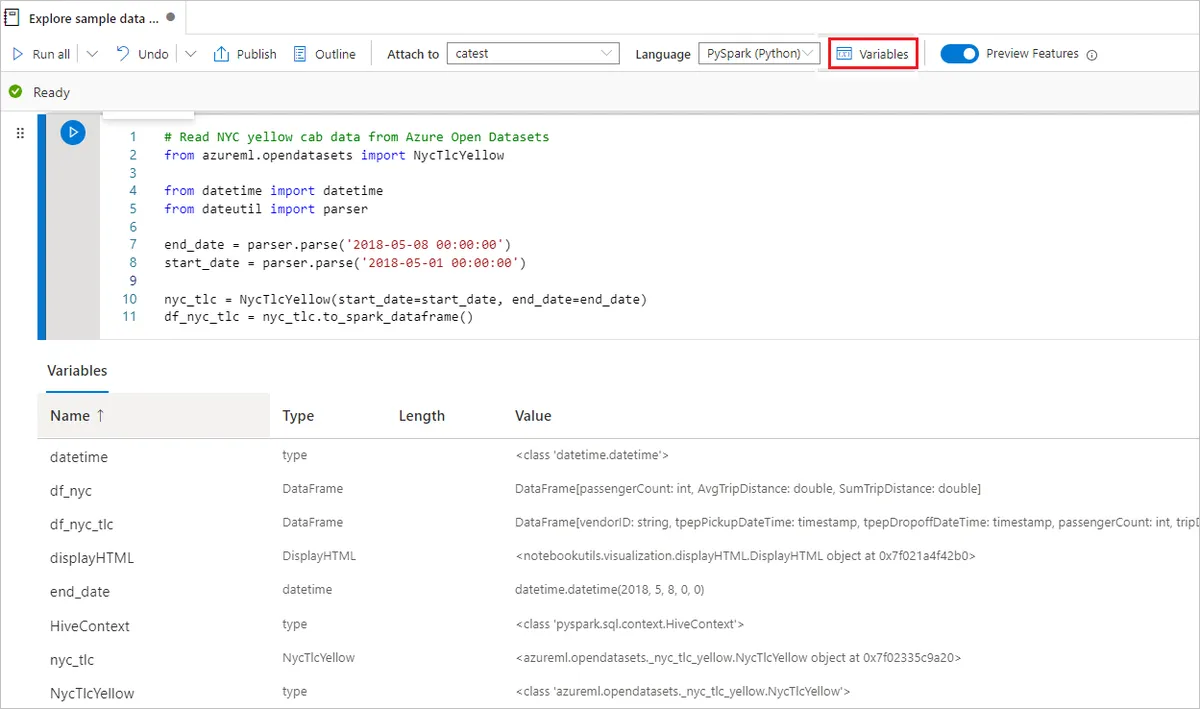
Azure Synapse Analytics
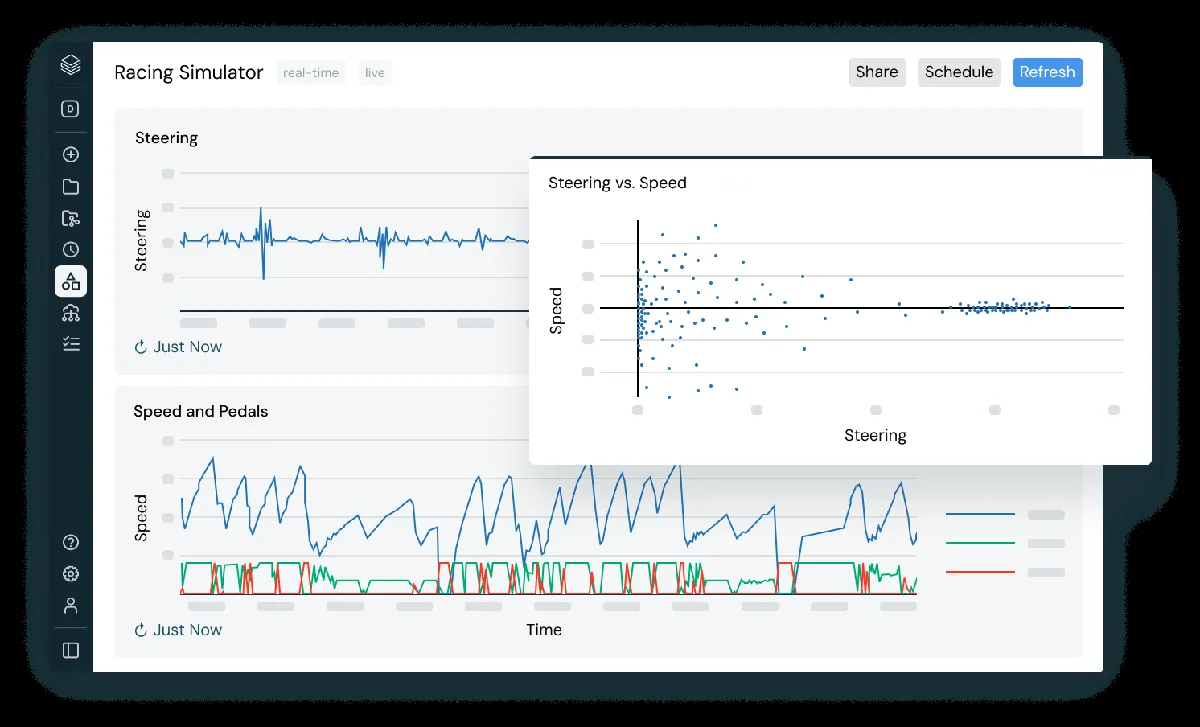
Databricks
Feature Comparison
| Feature | Azure Synapse Analytics | Databricks |
|---|---|---|
| Storage | ||
| Open table formats in object storage | Partial support | Full support |
| Query files without loading them | Full support | Full support |
| Time travel and table versioning | Partial support | Full support |
| Governance across clouds | Not verified | Full support |
| Processing | ||
| Built-in Spark | Full support | Full support |
| SQL warehouse workloads | Full support | Full support |
| Machine learning in the same platform | Partial support | Full support |
| Streaming ingestion | Partial support | Full support |
| Operations | ||
| Pause compute when idle | Full support | Full support |
| Runs on more than one cloud | Not verified | Full support |
| Native Azure identity integration | Full support | Partial support |
| Serverless SQL option | Full support | Full support |
| Ecosystem | ||
| Standard SQL analytics | Full support | Full support |
| BI tool connectivity | Full support | Full support |
| dbt integration | Full support | Full support |
| REST API for automation | Full support | Full support |
Storage
Open table formats in object storage
Query files without loading them
Time travel and table versioning
Governance across clouds
Processing
Built-in Spark
SQL warehouse workloads
Machine learning in the same platform
Streaming ingestion
Operations
Pause compute when idle
Runs on more than one cloud
Native Azure identity integration
Serverless SQL option
Ecosystem
Standard SQL analytics
BI tool connectivity
dbt integration
REST API for automation
Which approach fits
Synapse and Databricks overlap heavily on Azure and differ on storage philosophy and reach. Synapse combines dedicated SQL pools, serverless SQL over Data Lake Storage and Spark in one Azure workspace with Power BI and Entra alongside. Databricks keeps data in open Parquet and Delta formats in object storage, runs on three clouds, and puts engineering, SQL and machine learning on one platform.
When each approach fits
Choose Azure Synapse Analytics if:
Choose Azure Synapse when the organisation is committed to Azure and the centre of gravity is SQL warehousing. Dedicated pools, serverless SQL over Data Lake Storage and Spark share one workspace with common metadata and security, Data Factory handles pipelines in the same product, and Power BI and Entra integrate without extra work.
Choose Databricks if:
Choose Databricks when data engineering, analytics and machine learning belong on one platform over open formats. Delta Lake gives table versioning and time travel on files other engines can also read, MLflow and model serving sit beside the data, and the same platform runs on AWS and Google Cloud if the organisation is not only on Azure.
These scenarios reflect the available product evidence. Your requirements, existing stack, and team expertise should guide the final decision.
Frequently Asked Questions
Does open storage format actually matter?
It matters when more than one engine reads the data. Parquet and Delta are readable by many tools, so the compute layer becomes replaceable and machine learning, streaming and SQL can each use what suits them over the same files. If exactly one engine will ever read your tables, that flexibility costs you coherence and buys nothing you will use.
Do we need Spark at all?
Only if you have work SQL cannot express well: large-scale transformation over semi-structured data, machine learning feature pipelines, or streaming. Many organisations run entirely on SQL and dbt and never touch Spark, in which case a platform built around it is machinery you are paying to keep. Look at what your pipelines actually do before valuing it.
What actually controls the cost on each?
On Databricks: auto-termination, cluster sizing, job clusters for scheduled work, and Delta table maintenance — compaction and statistics decide how much compute a query needs before anyone tunes SQL, and spend is attributable per job. On Synapse: whether dedicated SQL pools are paused outside working hours, how large fact tables are distributed and partitioned, and for serverless how files in Azure Data Lake Storage are laid out, since compacted partitioned Parquet costs a fraction of the same rows spread across many small files.
How do they behave when many people query at once?
Databricks answers concurrency by adding compute: SQL warehouses scale out and serverless options start quickly, so the platform copes and the cost follows the load. Synapse dedicated pools manage it through workload management — resource classes and workload groups deciding who runs and who waits — which is genuine control and something somebody has to configure and keep current; sustained heavy concurrency is answered by scaling the pool, a deliberate act with a price. Test with your real Monday morning refresh pattern rather than a single-query benchmark.
How hard is it to migrate between them?
Analytical SQL ports with modest editing, because both speak a standard dialect. The work is in everything around the tables: ingestion pipelines, orchestration schedules, the BI semantic layer, row-level security rules and the access model. Budget for those rather than for table definitions, and expect to run both in parallel for a period while you reconcile numbers against the old system.
How should we evaluate them?
Run your own workload rather than a vendor benchmark. Load a representative slice of your largest tables, run the ten queries your dashboards issue most often, and record wall-clock time and cost at the concurrency of a normal weekday morning. Both offer trial capacity, and a week of that measurement reflects your join patterns and data distribution in a way no published figure can.