Choosing the best business intelligence (bi) platform is a high-stakes decision that shapes how your organization turns raw data into revenue-driving insights. The BI market in 2026 spans everything from free open-source dashboarding tools like Apache Superset to enterprise analytics suites like Alteryx that start at $250 per user per month. Whether you need AI-powered anomaly detection, code-based reporting, or a semantic layer that prevents LLM hallucinations, the right tool depends on your team's technical depth, data volume, and budget. This guide evaluates the top BI platforms across pricing transparency, integration breadth, and real analytical capability.
How to Choose
Data Source Connectivity
The number of native connectors directly affects time-to-value. Domo offers 1,000+ pre-built cloud connectors plus on-premises connectors, while Amazon QuickSight integrates natively with AWS services like S3, RDS, and Redshift and supports 40+ application integrations. If your stack is multi-cloud, prioritize platforms with broad connector libraries rather than ecosystem-locked options.
Visualization Depth and Flexibility
Chart variety matters when communicating complex findings to stakeholders. Apache Superset ships with 40+ chart types and a SQL Lab IDE for ad-hoc exploration, while Domo provides 150+ chart types and 7,000+ custom maps for geospatial analysis. Platforms with fewer built-in visuals may still excel if they support custom components or code-driven output like Hex does with its notebook and app builder.
AI and Machine Learning Integration
Modern BI tools increasingly embed ML directly into the analytics workflow. Amazon QuickSight includes anomaly detection and forecasting through its SPICE engine, Alteryx reduces manual data preparation by up to 90% with AI-assisted workflows, and Hex offers agentic data notebooks that combine SQL, Python, and AI tools in one environment. Evaluate whether you need built-in AutoML or just a clean integration path to external ML services.
Pricing Model Alignment
BI pricing structures vary dramatically and can create budget surprises. Amazon QuickSight offers a no published free tier then charges $3/user/mo for Readers and $24 for Authors at Standard, while Domo's minimum viable deployment starts at $30,000/year. Hex charges $36/month at its base tier with additional CPU usage billed at $2.93/hour. Match the pricing model (per-user, consumption-based, or flat) to your actual usage patterns.
Collaboration and Governance
Enterprise teams need role-based access control, audit trails, and shared workspaces. KNIME supports secure deployment with enterprise-scale cloud-native architecture, and Alteryx provides governed data workflows with lineage tracking through integrations with Collibra and Atlan. Open-source tools like Apache Superset include role-based access control but require self-managed infrastructure for governance features.
Deployment Flexibility
Some teams need fully managed SaaS; others require on-premises or hybrid deployment. KNIME Analytics Platform runs locally for free with paid cloud options starting at $19/month, Apache Superset is self-hosted under the Apache License 2.0, and Amazon QuickSight is a fully managed AWS service. Your security posture and infrastructure team capacity should drive this choice.
Top Tools
Amazon QuickSight
Amazon QuickSight stands out as AWS's native BI service, built around SPICE (Super-fast, Parallel, In-memory Calculation Engine) for high-performance analytics at scale. Its agentic AI capabilities include research and automation agents that go beyond simple Q&A, and the platform supports both public and private dashboard sharing with 40+ application integrations across the AWS ecosystem.
Best suited for: Organizations already invested in the AWS ecosystem that need scalable, managed BI without infrastructure overhead.
Pricing: No free tier; per-user pricing by role, with an Enterprise tier at custom pricing.
QuickSight's deepest strength is also its constraint: tight AWS coupling means teams running multi-cloud or on-premises data warehouses face additional integration work.
KNIME
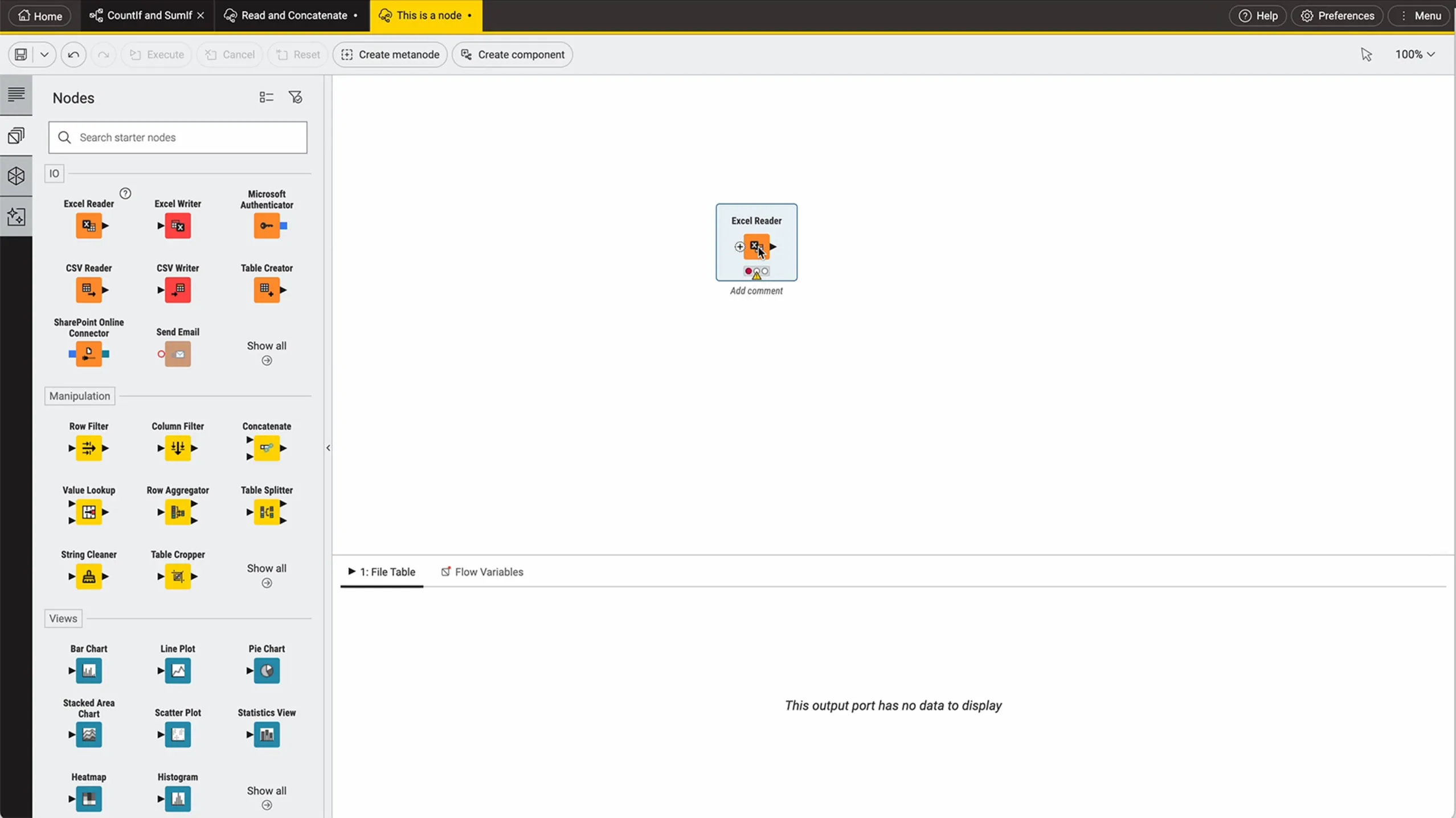
KNIME Analytics Platform is an open-source data science workbench with a visual workflow builder that makes complex analytics accessible to non-programmers. It provides 300+ data connectors covering every major source type and includes a full GenAI module for leveraging LLMs within analytical pipelines. The platform runs free for personal use, with paid tiers at $19/month, $49/month, and $99/month for additional capabilities.
Best suited for: Data science teams and analysts who need an end-to-end analytics pipeline from data preparation through model deployment without writing code.
Pricing: Free for personal use (open source), paid plans at $19/month, $49/month, and $99/month.
KNIME's visual workflow paradigm handles complex transformations well but can become unwieldy for simple dashboarding tasks that drag-and-drop BI tools accomplish more quickly.
Domo
Domo is a full self-service BI platform that combines data integration, visualization, real-time messaging, and app development in one system. With 1,000+ pre-built connectors, 150+ chart types, 7,000+ custom maps, and integrated Jupyter Workspaces, it covers the broadest feature surface of any tool in this category. Automated Machine Learning is built in, letting business users run predictive models without dedicated data science resources.
Best suited for: Mid-market and enterprise teams that want a single platform covering integration, visualization, collaboration, and ML without assembling a multi-tool stack.
Pricing: Hybrid per-user plus consumption model. Small teams (10-25 users) pay $1,200-$3,000/user/year; mid-market (50-100 users) at $1,000-$2,000/user/year; enterprise 200+ users at $750-$1,500/user/year. Minimum deployment starts at $30,000/year.
Domo's all-in-one approach means a steep minimum commitment at $30,000/year, which prices out small teams and startups entirely.
Apache Superset
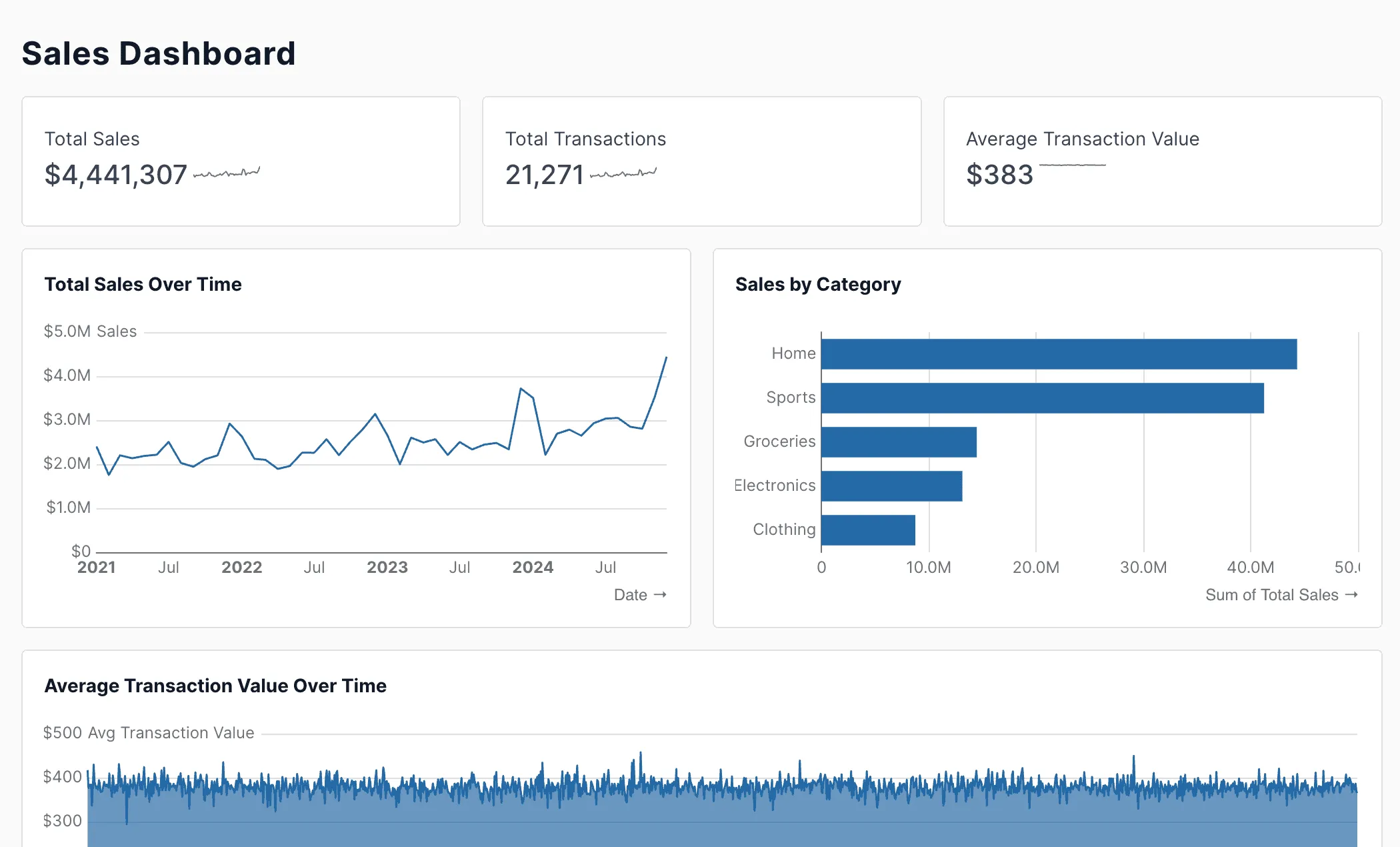
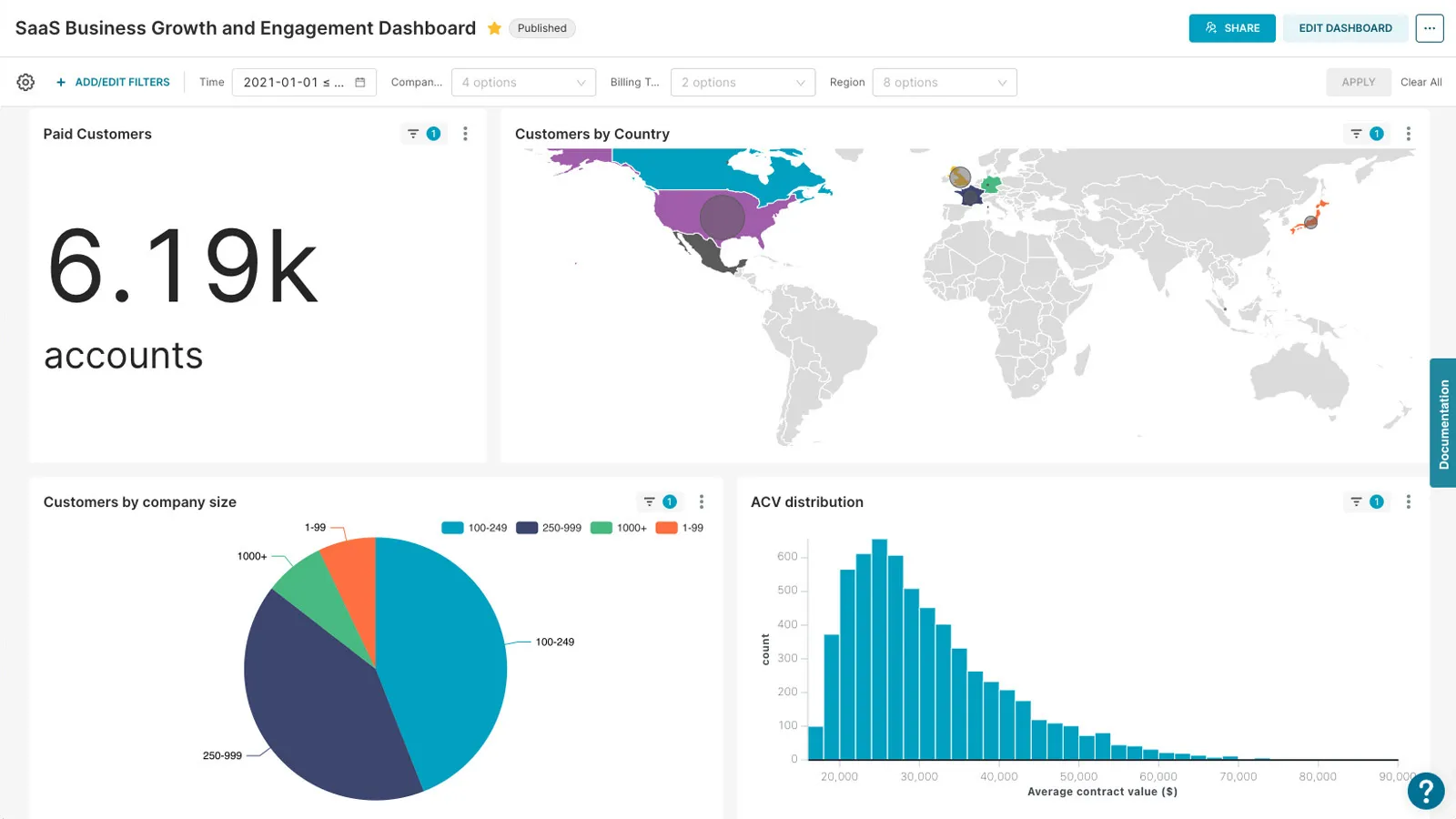
Apache Superset is the leading open-source BI platform, offering 40+ chart types, a SQL Lab IDE for interactive data exploration, and a semantic layer with reusable metrics and dimensions. It supports extensive database connectivity, dashboard embedding for external applications, and includes a caching layer for performance optimization. Licensed under Apache 2.0, it carries zero licensing cost.
Best suited for: Engineering-led organizations with infrastructure capacity to self-host and a preference for open-source tooling with no vendor lock-in.
Pricing: Free and open-source under Apache License 2.0.
Self-hosting Superset demands DevOps investment for setup, scaling, and security hardening, and the platform lacks built-in ML capabilities that commercial alternatives include out of the box.
Hex
Hex is an AI-native analytics platform trusted by companies like Ramp, Figma, and Anthropic that unifies SQL, Python, no-code workflows, and conversational AI in a single notebook-style interface. Its agentic data notebooks let analysts combine spreadsheet-style calculations, data browsing, and AI-driven conversations, making it the first platform to bring all these modalities together. Hex also supports building shareable data apps directly from analysis notebooks.
Best suited for: Data teams that straddle analysis and engineering, needing both exploratory notebooks and polished stakeholder-facing data applications.
Pricing: Starts at $36/month, with higher-usage tiers at $75/month and compute billed at $2.93/hour for CPU usage.
Hex's per-hour CPU billing can create unpredictable costs for teams running heavy computational workloads or scheduled jobs at scale.
Alteryx
Alteryx One is an enterprise analytics platform that integrates data preparation, blending, predictive analytics, and reporting into automated workflows. Its AI-assisted data preparation claims to reduce manual effort by up to 90%, and the platform includes AutoML, geospatial analysis, and Magic Reports for narrative-driven executive dashboards. Live Query integration with Google BigQuery enables in-place analytics without data movement.
Best suited for: Enterprise analytics teams that need to automate complex data preparation and blending workflows across multiple sources, particularly those using Snowflake, Databricks, or BigQuery.
Pricing: Starts at $250/user/month for one user, with higher tiers quoted by sales. Per-seat pricing model.
Alteryx's entry price of $250 per user per month sits at the expensive end for a single seat, and the per-seat model scales costs linearly as teams grow.
Comparison Table
| Tool | Best For | Pricing | Key Strength |
|---|---|---|---|
| Amazon QuickSight | AWS-native analytics | Free (5 users), $3/user/mo for Readers and $24 for Authors Standard | SPICE engine with sub-second queries |
| KNIME | Visual data science workflows | Free open-source, paid from $19/mo | 300+ connectors with visual workflow builder |
| Domo | All-in-one enterprise BI | From $30,000/year minimum | 1,000+ connectors, 150+ chart types |
| Apache Superset | Open-source dashboarding | Free (Apache 2.0) | 40+ chart types with SQL Lab IDE |
| Hex | AI-native notebook analytics | From $36/mo + $2.93/hr compute | Unified SQL, Python, and AI in notebooks |
| Alteryx | Enterprise data automation | From $250/user/month | AI-assisted prep reducing effort by 90% |
Our Methodology
Our evaluation of business intelligence platforms focused on practical utility for data teams operating at different scales and technical maturity levels. We assessed each tool across six dimensions: data connectivity breadth (number and quality of native connectors), visualization capabilities (chart types, customization, embedding support), AI and ML integration depth, pricing transparency and total cost of ownership, governance and security features, and deployment flexibility.
We weighted real-world adoption signals including public package and repository usage, search demand, and reader interest in each tool. Each tool's review underwent editorial validation with a minimum quality threshold of 90 points on our 100-point scoring rubric. Pricing data was gathered directly from vendor pricing pages and verified against published rate cards as of April 2026.
We deliberately included tools across the full pricing spectrum, from free open-source platforms like Apache Superset to enterprise solutions like Domo starting at $30,000/year, because the right BI tool depends heavily on organizational context. A 5-person startup and a 500-person enterprise have fundamentally different needs, and our methodology reflects that by evaluating tools within their target market segments rather than applying a single universal ranking.
Frequently Asked Questions
What is the difference between traditional BI and modern BI platforms?
Traditional BI tools focused primarily on static reporting and predefined dashboards, requiring IT teams to build and maintain data pipelines. Modern BI platforms like Hex and Amazon QuickSight integrate AI agents, natural language querying, and self-service analytics that let business users explore data independently. The shift also includes code-based approaches where tools like Apache Superset provide SQL Lab IDEs for interactive exploration. Most critically, modern platforms embed machine learning directly, with Domo offering Automated Machine Learning and Alteryx including AutoML and geospatial features within the analytics workflow.
How much should a company budget for BI tools?
BI costs range from zero to six figures annually depending on scale and requirements. Apache Superset and KNIME Analytics Platform are free for self-hosted or personal use, making them viable for teams with strong DevOps capabilities. Mid-range options like Hex at $36/month per user or Amazon QuickSight at $3/user/mo for Readers and $24 for Authors on Standard tier serve growing teams with predictable per-seat budgets. Enterprise platforms like Domo require a $30,000/year minimum deployment, and Alteryx starts at $250 per user per month on its Starter Edition, with higher editions quoted by sales. Factor in hidden costs like compute charges (Hex bills $2.93/hour for CPU), infrastructure for self-hosted tools, and training time.
Can open-source BI tools replace commercial platforms?
Open-source tools like Apache Superset and KNIME cover core BI functionality effectively. Superset provides 40+ visualization types, role-based access control, and dashboard embedding, while KNIME offers 300+ data connectors and a visual workflow builder with GenAI capabilities. The trade-off is operational: self-hosting requires dedicated infrastructure management, security hardening, and community-driven support instead of vendor SLAs. Commercial platforms like Domo and Alteryx justify their premium pricing through managed infrastructure, 1,000+ pre-built connectors, and integrated ML capabilities that would otherwise require separate tooling.
How do AI features in BI tools differ from standalone AI analytics products?
BI-embedded AI focuses on augmenting existing analytics workflows rather than replacing them. Amazon QuickSight's agentic AI includes research agents that investigate data anomalies and automation agents that handle routine reporting tasks within the SPICE engine. Alteryx uses AI to automate data preparation with up to 90% reduction in manual effort and generates narrative-driven Magic Reports for executives. Hex takes a different approach by embedding AI directly into data notebooks where analysts write SQL and Python, providing conversational self-serve analytics. These integrated AI features operate on governed, semantic data layers, which reduces hallucination risk compared to standalone AI tools querying raw tables directly.