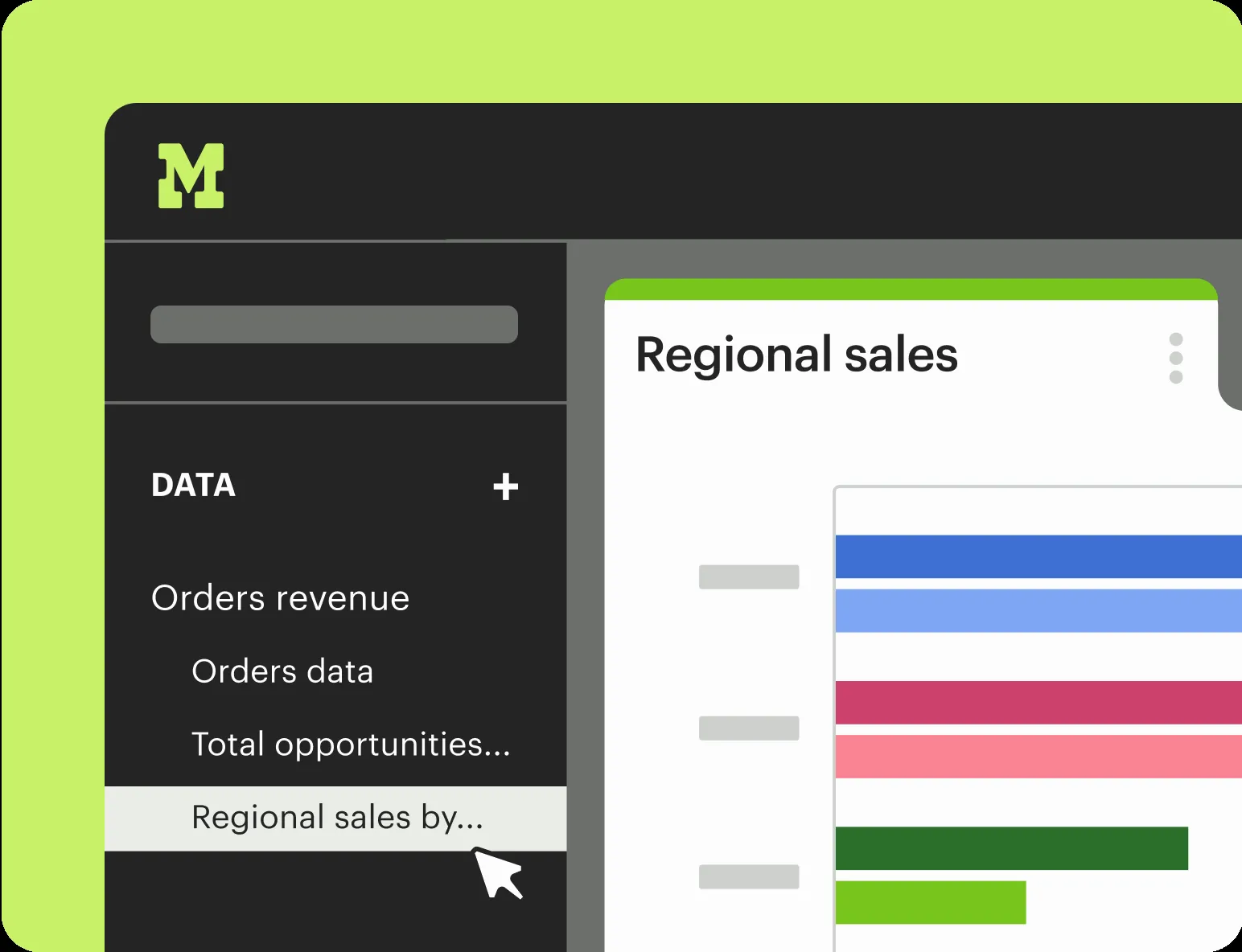
Mode Analytics: product and architecture
Our verdict: Mode Analytics is best for data teams that want SQL, R, Python, and visual analysis in one collaborative workspace, while also giving business users a path to self-service reporting. This Mode Analytics review finds a focused platform rather than a broad, all-purpose data stack: its stated strength is bringing technical analysis and shareable reporting together, and its clearest trade-off is enterprise-style pricing without published cost details.
Overview
Mode Analytics positions itself as a collaborative business-intelligence platform built around data teams. Its core proposition is explicit: connect, analyze, and share data faster by combining SQL, R, Python, and visual analytics in one place. That matters for analytics engineers and data leaders because it puts ad hoc investigation, advanced analysis, dashboards, and reporting under the same product umbrella rather than treating them as unrelated handoffs.
The platform describes itself as a central hub that unites data teams and business teams around data to drive business outcomes. In practical terms, Mode Analytics is aimed at organizations where analysts need room to work directly with data while nontechnical stakeholders need consumable outputs. The stated product scope includes ad hoc analysis, advanced analytics, interactive dashboards, self-service reporting, explorable and reusable datasets, and custom data apps.
We recommend Mode Analytics for teams that want a data-team-led BI environment rather than a tool framed primarily around business-user dashboard creation. The strongest evidence supports a workflow in which technical users use SQL, R, and Python, then deliver visual analysis and reporting to a wider organization. The supplied material does not establish specific warehouse support, governance controls, semantic-layer behavior, performance benchmarks, or deployment options, so those are meaningful gaps for a formal enterprise evaluation.
Mode’s scale claim is also unusually broad: it says the platform can serve an employee wearing the analyst hat part time, through to hundreds of analysts partnering with thousands of employees. Treat that as a product-positioning statement, not proof of adoption at every scale. Still, it makes the intended audience clear: Mode Analytics is designed to grow from small analytical needs into a shared operating environment for a large analytics function.
Key Features and Architecture
Mode Analytics combines several analysis and delivery modes in a single collaborative platform. The architecture described in the supplied material is centered on keeping SQL, R, Python, and data visualization connected, so analytical work and stakeholder-facing outputs can live in the same environment. This is a meaningful design choice for data teams: it reduces the conceptual split between querying data, performing advanced analysis, and communicating findings.
Key capabilities stated for Mode Analytics include:
-
SQL-based ad hoc analysis. Mode supports diving directly into data with SQL and rapidly iterating through queries. This makes SQL a first-class analytical workflow rather than merely a back-end language hidden behind dashboards, which is important for analysts and analytics engineers investigating changing business questions.
-
R and Python in the analysis environment. Mode explicitly combines SQL with R and Python. That gives the platform a stated advanced-analytics dimension beyond query-only reporting, allowing teams that use those languages to keep their analysis connected to the same collaborative data workflow.
-
Visual analytics and interactive dashboards. Mode includes data visualization and interactive dashboards as product capabilities. Its value is not simply that it can display a result; the platform’s stated goal is to connect analytical work to a visual artifact that can be shared with business teams.
-
Self-service reporting. The product describes simple self-service reporting alongside complex ad hoc analysis. This is a deliberate two-audience design: data teams can perform deeper work while business users can consume reporting without every question becoming a new analyst request.
-
Explorable, reusable datasets. Mode lists explorable and reusable datasets among its capabilities. Reusability is particularly relevant to analytics organizations trying to avoid recreating similar analyses repeatedly, although the supplied information does not define dataset governance, versioning, or access-control behavior.
-
Custom data apps. Mode includes custom data apps in its published capability set. This expands the product’s stated scope beyond static reports and dashboards, but the supplied source does not define the development model, supported interfaces, or operational limits of those apps.
-
Collaboration across technical and business teams. Mode’s central-hub framing is architectural as well as organizational: it is meant to unite data teams and business teams around a shared analytical environment. The platform explicitly connects analysis and sharing, rather than presenting them as separate products.
The technical appeal is strongest where a team’s work naturally moves from SQL exploration to R or Python analysis and then to a visual deliverable. A data analyst can start with an ad hoc question, iterate in SQL, use R or Python for advanced work, and publish an interactive dashboard or self-service report within the same stated product surface. That continuity is Mode Analytics’ clearest differentiator in the supplied data.
The cost of this integrated approach is focus. Mode is presented as BI built around data teams, so organizations seeking a narrowly scoped reporting product may be paying for capabilities they will not use. Conversely, teams with hard requirements for a documented semantic layer, a named set of data-source integrations, precise performance metrics, or detailed governance evidence should not assume those capabilities from the feature list; the supplied source does not provide them.
Mode’s published scaling statement spans part-time analyst use through hundreds of analysts working with thousands of employees. That is useful directional evidence that the product is intended for both modest and broad organizational usage. It is not a substitute for validating how Mode Analytics performs with your own query patterns, data volume, reporting audience, and operating model, because no specific technical limits or benchmarks are supplied.
Ideal Use Cases
Mode Analytics fits a data organization that wants technical analysis and business-facing reporting to coexist rather than compete. Its stated combination of SQL, R, Python, visual analytics, interactive dashboards, and self-service reporting makes it most relevant when analysts are expected to do sophisticated work and also communicate directly with stakeholders. We would prioritize it for companies where data teams own analytical quality but need to serve a broad internal audience.
A first strong scenario is a growing company with a small data team, including an employee who wears the analyst hat part time. Mode explicitly says it scales from that starting point, and its SQL-based ad hoc analysis plus visual reporting can support a team that cannot maintain separate products for querying, advanced analysis, and sharing. The trade-off is that the supplied evidence does not specify costs or implementation requirements, so resource-constrained teams must treat commercial fit as unresolved.
A second scenario is a mature analytics organization with hundreds of analysts working with thousands of employees. Mode’s own scale statement maps directly to this model, particularly where analysts partner with many business users who need self-service reporting and interactive dashboards. The platform’s stated central-hub role is valuable when the goal is to keep the organization’s analysis connected to the reports people use.
A third scenario is an industry or function where exploratory questions require more than dashboard filtering. Teams conducting complex ad hoc analysis can start in SQL and use R or Python as part of the same Mode workflow, then turn the work into visual analytics or a custom data app. This is a better fit than a reporting-only approach when analysis needs to remain technical before it becomes broadly shared.
Do not use Mode Analytics if your procurement process requires published pricing before a product reaches the shortlist. Its pricing model is Enterprise and its supplied details say only “Contact for pricing,” which prevents an evidence-based estimate from the provided information. Also avoid selecting it solely because you require named integration coverage, measurable query-performance commitments, or documented governance features; those details are not established in the supplied source data.
The best-fit operating model is analyst-led self-service, not uncontrolled self-service. Mode’s product description explicitly pairs complex analysis with simple self-service reporting, which suggests a division of labor between data practitioners and business consumers. Data leaders should use that distinction to decide whether the platform matches their culture: it is designed to make the data team more effective at delivering insights, not to erase the need for data-team involvement.
Strengths & Trade-offs
Mode Analytics has a coherent value proposition for data-led organizations, but it is not a universally safe BI choice. Its strengths are concentrated in its stated ability to connect technical analysis and shared reporting. Its limitations are largely about missing decision-critical evidence and the lack of published pricing transparency.
Pros
-
SQL is central to the stated ad hoc-analysis workflow. Mode says users can dive directly into data using SQL and rapidly iterate through queries, which is more aligned with analyst and analytics-engineer work than a dashboard-first product description.
-
It explicitly combines SQL, R, Python, and data visualization. That is a concrete, multi-modal analytical workflow in one platform, allowing advanced analysis and visual communication to remain connected.
-
It supports both complex analysis and simple self-service reporting. This is useful for organizations that need data teams to perform rigorous work while giving business teams a lower-friction reporting experience.
-
Interactive dashboards are part of the published capability set. Mode Analytics is not limited to notebooks or query outputs; it includes stakeholder-facing visual delivery through interactive dashboards and visual analytics.
-
Reusable and explorable datasets are explicitly included. For teams trying to make analysis repeatable, this is a more useful stated capability than one-off query execution alone.
-
Its intended scale is broad. Mode says it can support a part-time analyst as well as hundreds of analysts partnering with thousands of employees, providing a clear public signal about the organizational range it targets.
Cons
-
Pricing is opaque in the supplied data. Mode Analytics has an Enterprise pricing model with “Contact for pricing,” but no published dollar amounts, plan structure, seat basis, usage basis, or total-cost inputs are supplied.
-
Integration coverage is not documented in the supplied source. Mode’s description says “Connect,” but it does not name data warehouses, databases, cloud platforms, or third-party integrations, making fit assessment incomplete for teams with mandated systems.
-
No performance metrics or technical limits are supplied. There are no documented query latency figures, concurrency limits, data-volume limits, availability targets, or benchmark results in the provided material.
-
Governance and administration details are not established. The source does not describe permissions, lineage, version control, auditability, or semantic-layer behavior, which are important for data leaders operating at the scale Mode claims to support.
-
Custom data apps are underspecified. Mode lists custom data apps as a capability, but the supplied data does not explain how they are built, deployed, governed, or limited. Teams should not select Mode specifically for application development without more evidence.
The decisive trade-off is clear: Mode Analytics offers a data-team-centered analysis-to-sharing workflow, but it asks evaluators to accept substantial unknowns on price and several technical buying criteria. We recommend it when the SQL/R/Python/visual-analysis combination is the primary need and the organization can conduct deeper enterprise validation. Choose a more transparently priced or more explicitly documented option instead if procurement needs firm cost, integration, performance, or governance evidence upfront.