Decision comparison
Looker vs Mode Analytics
Looker and Mode Analytics serve different analytical workflows within the business intelligence space. Looker excels when your organization needs a governed semantic layer that enforces a single source of truth across every dashboard, embed, and API call. Mode Analytics shines when your data team needs the flexibility to iterate rapidly through SQL, Python, and R while also delivering self-service reporting to business users. We recommend Looker for enterprises that prioritize centralized metric governance and embedded analytics, and Mode for teams that value speed-to-insight and code-native analytical workflows.
Direct comparison. These are reviewed substitutes bought for the same job, so the differences below are the ones that decide between them.
All 2 are BI platforms.
Quick Comparison
| Decision factor | Looker | Mode Analytics |
|---|---|---|
| Primary Approach | Governed semantic layer with centralized metric definitions using LookML | Collaborative analytics workspace uniting SQL, Python, R, and visual tools |
| Data Modeling | LookML defines reusable models, joins, derived tables, and permissions in version-controlled code | Reusable datasets curated by the data team; integrates with dbt Semantic Layer for governed metrics |
| Code Support | LookML modeling language; SQL for explores; REST APIs and SDKs for automation | SQL editor, Python notebooks, R notebooks, HTML/CSS/JavaScript for custom data apps |
| Target Audience | Enterprise data teams, BI developers, and organizations standardizing on Google Cloud | Data analysts, data scientists, and business users who need self-service access |
| Pricing Model | Looker (Google Cloud core) publishes no platform or per-user price. It offers three platform editions — Standard for organisations under 50 users, Enterprise, and Embed — each including one production instance, 10 Standard Users and 2 Developer Users, and each requiring a custom quote. Data-token overages beyond an instance's monthly allocation are published, at $3.00 per 1M input tokens and $20.00 per 1M output tokens. | Contact for pricing |
| Best For | Organizations that need a single source of truth for metrics with governed, reusable data models | Teams that need flexible ad hoc analysis alongside self-service dashboards without heavy upfront modeling |
Looker
- Primary Approach:
- Governed semantic layer with centralized metric definitions using LookML
- Data Modeling:
- LookML defines reusable models, joins, derived tables, and permissions in version-controlled code
- Code Support:
- LookML modeling language; SQL for explores; REST APIs and SDKs for automation
- Target Audience:
- Enterprise data teams, BI developers, and organizations standardizing on Google Cloud
- Pricing Model:
- Looker (Google Cloud core) publishes no platform or per-user price. It offers three platform editions — Standard for organisations under 50 users, Enterprise, and Embed — each including one production instance, 10 Standard Users and 2 Developer Users, and each requiring a custom quote. Data-token overages beyond an instance's monthly allocation are published, at $3.00 per 1M input tokens and $20.00 per 1M output tokens.
- Best For:
- Organizations that need a single source of truth for metrics with governed, reusable data models
Mode Analytics
- Primary Approach:
- Collaborative analytics workspace uniting SQL, Python, R, and visual tools
- Data Modeling:
- Reusable datasets curated by the data team; integrates with dbt Semantic Layer for governed metrics
- Code Support:
- SQL editor, Python notebooks, R notebooks, HTML/CSS/JavaScript for custom data apps
- Target Audience:
- Data analysts, data scientists, and business users who need self-service access
- Pricing Model:
- Contact for pricing
- Best For:
- Teams that need flexible ad hoc analysis alongside self-service dashboards without heavy upfront modeling
Public signals
Verified factual signals only. Bars appear only for like-for-like metrics with five weekly assessments for every tool; missing evidence stays explicit. These signals do not establish enterprise adoption, product quality, or total cost.
| Metric | Looker | Mode Analytics |
|---|---|---|
| Search interest(Market interest) | 2 | 1 |
| Hacker News mentions, 90d(Community interest) | 2 | 1 |
| npm weekly downloads(Developer adoption) | 104.6k | Not available |
| Product Hunt comments(Community interest) | 5 | 9 |
| Product Hunt reviews(Community interest) | 0 | 0 |
| Product Hunt votes(Community interest) | 83 | 105 |
| PyPI weekly downloads(Developer adoption) | 2.0M | Not available |
| Stack Overflow questions(Community interest) | 226 | 14 |
As of September 21, 2026 — updated weekly.
Health & risk evidence
Observed public-source checks for mapped package versions and repositories.
Looker
September 21, 2026Package vulnerabilities
npm · @looker/sdk@26.12.0 · PyPI · looker-sdk@26.12.0
0 vulnerabilities
across 2 packages
Repository security score
Not available
Mode Analytics
Package vulnerabilities
Not available
Repository security score
Not available
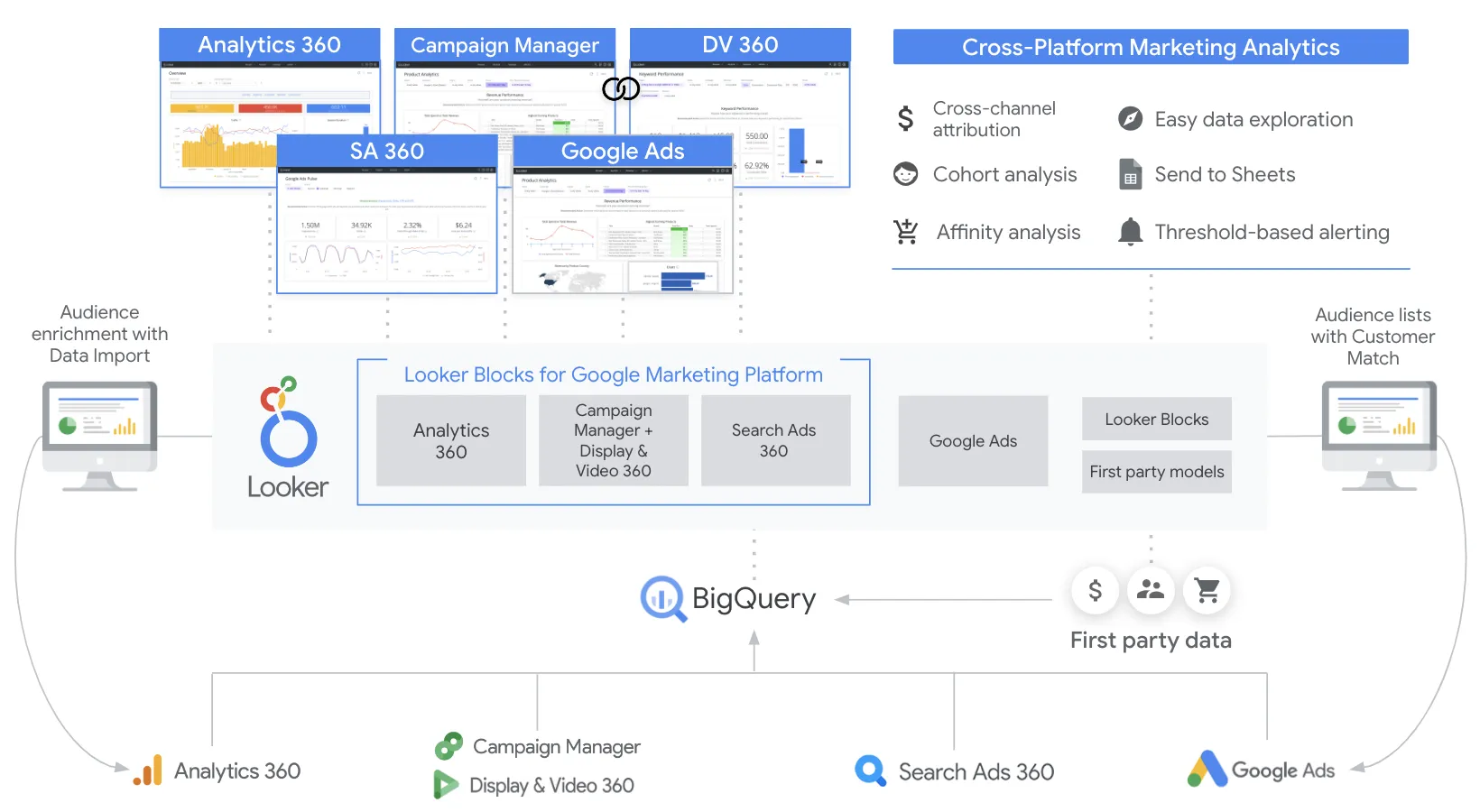
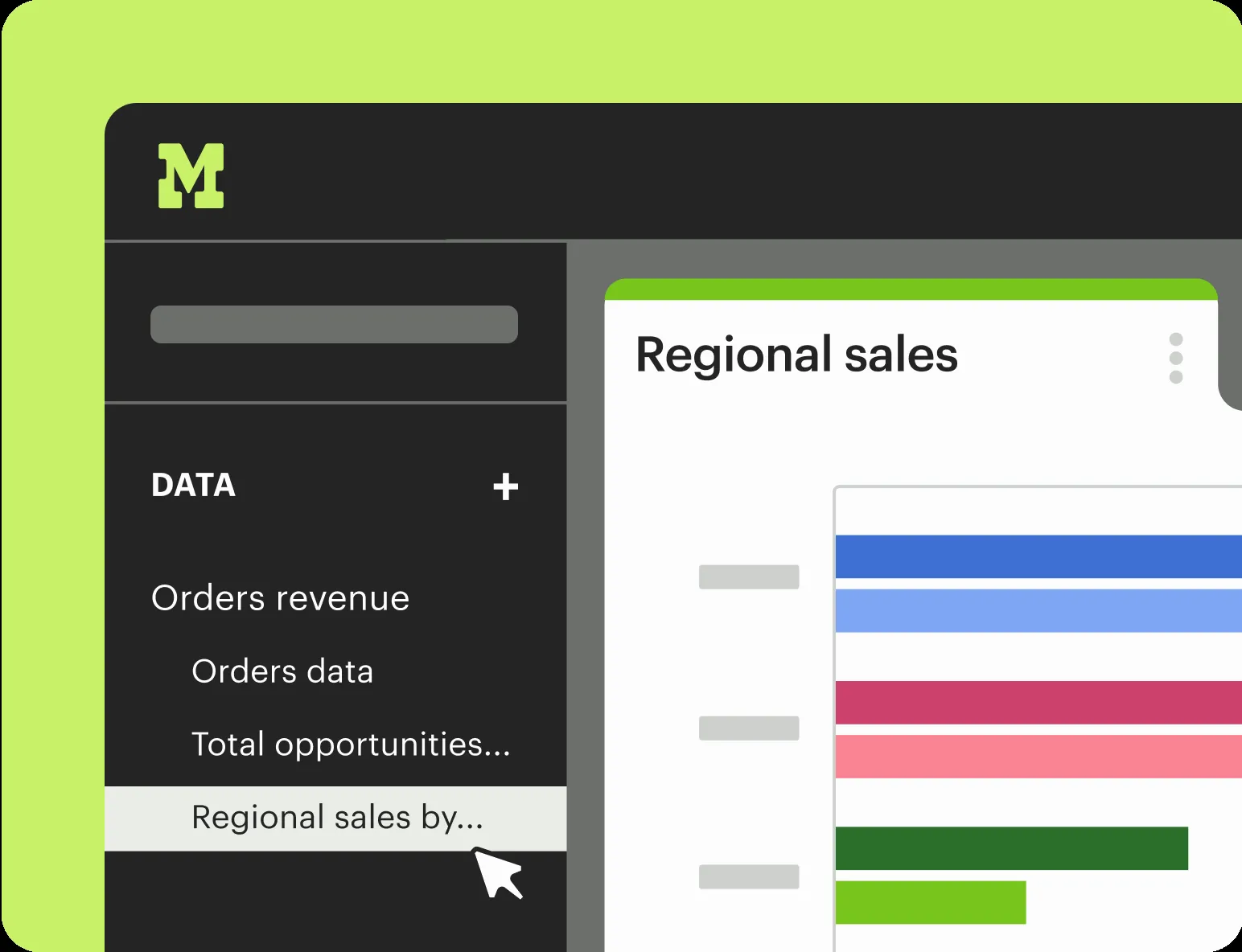
Interface Preview
Looker
Mode Analytics
Feature Comparison
| Feature | Looker | Mode Analytics |
|---|---|---|
| Data Modeling & Governance | ||
| Semantic Modeling Layer | LookML defines reusable metrics, joins, and derived tables in a version-controlled semantic layer | Relies on reusable datasets and integrates with dbt Semantic Layer for governed metric definitions |
| Version Control | Native Git integration for LookML projects with branching and pull request workflows | Report versioning within the platform; no native Git integration for data models |
| Row-Level Security | Built-in row-level and column-level security with enterprise audit trails | Granular access controls and identity management; security managed at the workspace level |
| Analysis & Exploration | ||
| SQL Editing | SQL available within Explores; business users primarily interact through the governed UI layer | Full SQL editor with rapid iteration, query history, and collaborative sharing of queries |
| Python & R Notebooks | Extensions available via Vertex AI integration; not a built-in notebook environment | Integrated Python and R notebooks that load SQL results directly for advanced analytics |
| Ad Hoc Analysis | Users explore governed data through Explores and can drill down into tiles on dashboards | Purpose-built for ad hoc analysis with SQL, notebooks, and visual exploration in a single workspace |
| Visualization & Dashboards | ||
| Interactive Dashboards | Enterprise dashboards built on governed data with real-time queries and drill-down exploration | Interactive dashboards with drag-and-drop exploration and scheduled report delivery |
| Self-Service Reporting | Looker Studio provides drag-and-drop ad hoc reporting with over 1,000 data connectors | Business users explore curated datasets using visual tools without writing SQL |
| Custom Data Apps | Powerful embedded analytics with API-first architecture, white-labeling, and Looker extensions | Custom data apps built with HTML, CSS, JavaScript, parameters, and embedded reports |
| Integration & Architecture | ||
| Warehouse Connectivity | Direct query against warehouses with no data storage; always-fresh results from the source | Connects to most major data warehouses; positioned as an intelligence layer on top of the modern data stack |
| API & Embedding | Comprehensive REST APIs, SDKs, and embedding options that cover nearly every UI capability | Programmatic APIs and embedding capabilities for integrating reports into internal tools |
| AI & Advanced Features | Conversational Analytics powered by Gemini for natural-language queries; Vertex AI extensions | Advanced analytics through Python and R notebooks with 60+ popular data science libraries |
| Deployment & Operations | ||
| Setup & Time to Value | Requires LookML model development and data team setup; longer initial implementation time | Teams can be up and running in 30 minutes or less with minimal configuration overhead |
| Collaboration Features | Shared dashboards and explores with role-based access; integrations with Workspace and Slack | Central hub for analysis with collections, writeups, shared queries, and Slack notifications |
| Scalability | Enterprise-grade scalability on Google Cloud with SSO, private networking, and unified governance | Scales from small teams to hundreds of analysts with identity management and granular access controls |
Data Modeling & Governance
Semantic Modeling Layer
Version Control
Row-Level Security
Analysis & Exploration
SQL Editing
Python & R Notebooks
Ad Hoc Analysis
Visualization & Dashboards
Interactive Dashboards
Self-Service Reporting
Custom Data Apps
Integration & Architecture
Warehouse Connectivity
API & Embedding
AI & Advanced Features
Deployment & Operations
Setup & Time to Value
Collaboration Features
Scalability
Which to choose
Looker and Mode Analytics serve different analytical workflows within the business intelligence space. Looker excels when your organization needs a governed semantic layer that enforces a single source of truth across every dashboard, embed, and API call. Mode Analytics shines when your data team needs the flexibility to iterate rapidly through SQL, Python, and R while also delivering self-service reporting to business users. We recommend Looker for enterprises that prioritize centralized metric governance and embedded analytics, and Mode for teams that value speed-to-insight and code-native analytical workflows.
Best-fit scenarios
Choose Looker if:
Choose Looker when your organization requires a centralized semantic layer with LookML to enforce consistent metric definitions, needs enterprise-grade embedded analytics for SaaS products, operates on Google Cloud and wants deep platform integration, or has a dedicated data team that can invest in building and maintaining governed data models for the entire organization.
Choose Mode Analytics if:
Choose Mode Analytics when your data team needs a unified workspace for SQL, Python, and R analysis without rigid upfront modeling, prioritizes rapid ad hoc exploration and wants to be productive in under 30 minutes, needs to empower business users with self-service dashboards built on curated datasets, or wants a lighter-weight BI solution that integrates with your existing modern data stack.
These scenarios reflect the available product evidence. Your requirements, existing stack, and team expertise should guide the final decision.
Frequently Asked Questions
Can Looker and Mode Analytics connect to the same data warehouse?
Yes. Both platforms connect to major cloud data warehouses such as Snowflake, BigQuery, and Amazon Redshift. Looker queries the warehouse directly with no intermediate data storage, returning always-fresh results. Mode also connects to popular warehouses and positions itself as an intelligence layer on top of your existing modern data stack, so both tools can run against the same underlying data.
Do I need to know LookML to use Looker effectively?
Business users can explore pre-built dashboards and Explores without writing LookML. However, your data team will need LookML expertise to define the semantic models, joins, derived tables, and access permissions that power those experiences. LookML is a core part of Looker's architecture, so organizations should plan for data team investment in learning and maintaining models.
Does Mode Analytics support advanced analytics beyond SQL?
Yes. Mode includes integrated Python and R notebooks that connect directly to SQL query results within the same report. Analysts can use 60+ popular data science libraries to run statistical analysis, build machine learning models, and create custom visualizations. The notebook output can then be embedded into interactive dashboards and shared across the organization.
Which platform is faster to deploy for a small data team?
Mode Analytics is generally faster to deploy. Mode states that teams can be up and running in 30 minutes or less, with minimal configuration needed to start writing SQL and building dashboards. Looker requires an initial investment in LookML model development, warehouse configuration, and data governance setup, which typically takes longer but delivers a more tightly governed analytics environment over time.