Decision comparison
Hex vs Mode Analytics
Hex and Mode Analytics both serve data teams in the business intelligence space, but they take fundamentally different approaches. Hex leads with AI-first workflows that combine agentic notebooks and conversational self-serve into a single platform, making it the stronger choice for teams that want to put AI at the center of their analytics practice. Mode Analytics offers a proven, SQL-first collaborative platform with strong R support and deep self-service reporting capabilities, making it better suited for organizations that prioritize traditional analytical workflows with governed data access.
Architecture choice. These take different approaches to the same problem. Read the table as a fit question rather than a feature race.
These are different kinds of product — Analytics Notebook and BI Platform.
Quick Comparison
| Decision factor | Hex | Mode Analytics |
|---|---|---|
| Best For | Data teams that need AI-powered notebooks with conversational self-serve for the broader organization | Organizations that need a unified platform bridging ad hoc analysis and governed self-service reporting |
| Pricing Model | Price starts at $36/month, with $75/month for higher usage, and $2.93 per hour for CPU usage. | Contact for pricing |
| Core Workflow | Agentic data notebooks combining SQL, Python, and AI in a single collaborative environment | SQL-first ad hoc analysis paired with visual explorations, dashboards, and self-serve reporting |
| AI Capabilities | Built-in AI agents for notebook analysis and conversational self-serve data queries | No prominent AI agent features; focuses on traditional SQL, Python, and R-based analysis workflows |
| Self-Service Analytics | Conversational interface where business users ask questions in natural language and get trusted answers | Drag-and-drop visual explorations and curated reusable datasets for business teams |
| Language Support | SQL and Python with AI-assisted analysis in collaborative notebooks | SQL, Python, and R notebooks with visual drag-and-drop exploration tools |
Hex
- Best For:
- Data teams that need AI-powered notebooks with conversational self-serve for the broader organization
- Pricing Model:
- Price starts at $36/month, with $75/month for higher usage, and $2.93 per hour for CPU usage.
- Core Workflow:
- Agentic data notebooks combining SQL, Python, and AI in a single collaborative environment
- AI Capabilities:
- Built-in AI agents for notebook analysis and conversational self-serve data queries
- Self-Service Analytics:
- Conversational interface where business users ask questions in natural language and get trusted answers
- Language Support:
- SQL and Python with AI-assisted analysis in collaborative notebooks
Mode Analytics
- Best For:
- Organizations that need a unified platform bridging ad hoc analysis and governed self-service reporting
- Pricing Model:
- Contact for pricing
- Core Workflow:
- SQL-first ad hoc analysis paired with visual explorations, dashboards, and self-serve reporting
- AI Capabilities:
- No prominent AI agent features; focuses on traditional SQL, Python, and R-based analysis workflows
- Self-Service Analytics:
- Drag-and-drop visual explorations and curated reusable datasets for business teams
- Language Support:
- SQL, Python, and R notebooks with visual drag-and-drop exploration tools
Public signals
Verified factual signals only. Bars appear only for like-for-like metrics with five weekly assessments for every tool; missing evidence stays explicit. These signals do not establish enterprise adoption, product quality, or total cost.
| Metric | Hex | Mode Analytics |
|---|---|---|
| GitHub commits, 90d(Developer adoption) | 0 | Not available |
| GitHub stars(Developer adoption) | 24 | Not available |
| Search interest(Market interest) | 1 | 1 |
| Hacker News mentions, 90d(Community interest) | 0 | 1 |
| Product Hunt comments(Community interest) | 25 | 9 |
| Product Hunt rating(Community interest) | 4.9/5 | Unavailable |
| Product Hunt reviews(Community interest) | 11 | 0 |
| Product Hunt votes(Community interest) | 294 | 105 |
| Stack Overflow questions(Community interest) | Not available | 14 |
As of September 21, 2026 — updated weekly.
Interface Preview
Hex
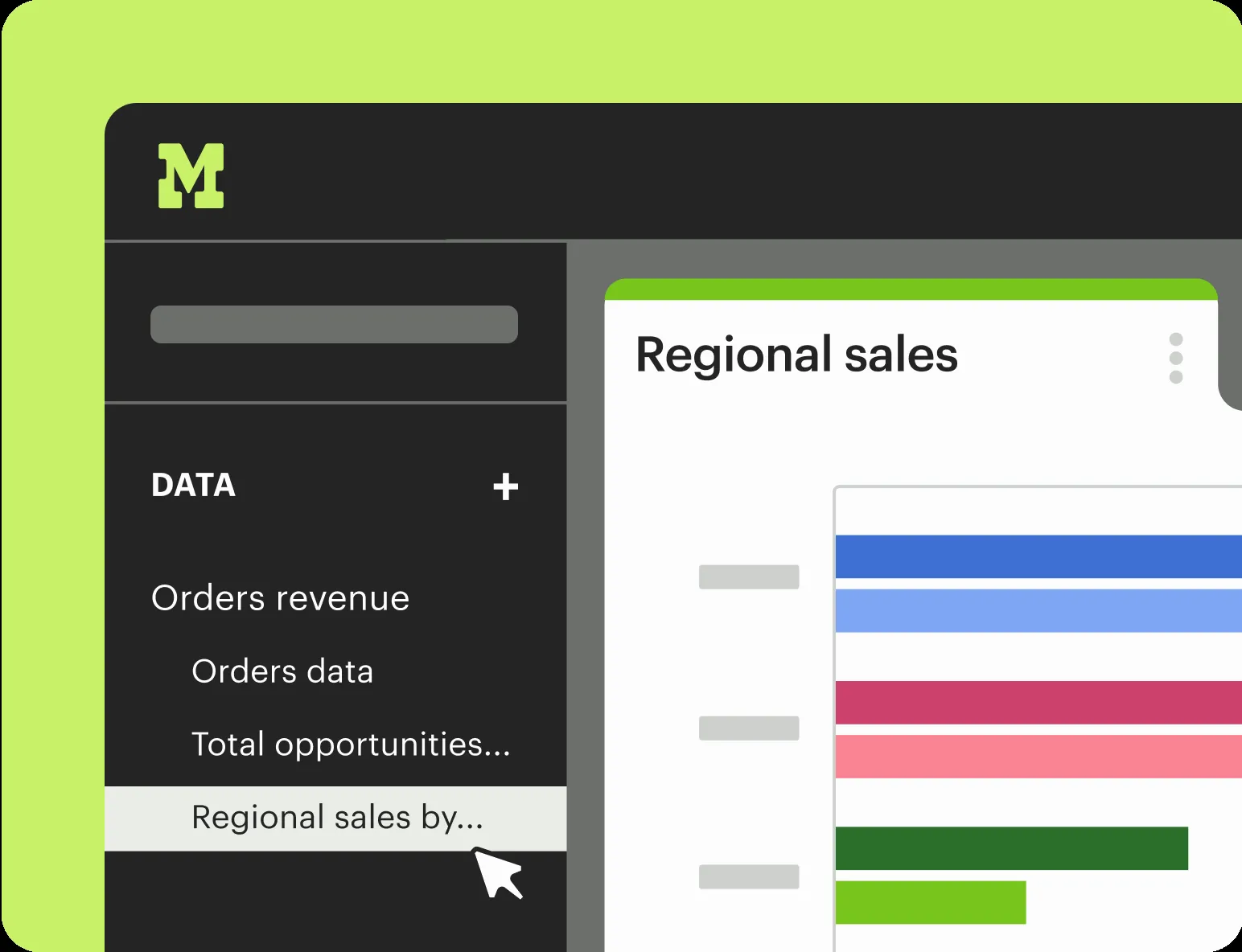
Mode Analytics
Feature Comparison
| Feature | Hex | Mode Analytics |
|---|---|---|
| Core Analytics | ||
| SQL Editor | Full SQL editor integrated into notebook cells with AI assistance | Dedicated SQL editor for rapid query iteration and ad hoc analysis |
| Python Notebooks | Python cells within agentic notebooks, connected to SQL and visualization cells | Python notebooks that load SQL results directly for advanced analytics |
| R Notebooks | Not available as a native cell type | Full R notebook support alongside Python with 60+ popular libraries |
| Visual Exploration | Built-in chart creation through notebook cells and published data apps | Drag-and-drop visual exploration of 100K+ datapoints in the browser |
| Ad Hoc Analysis | Notebook-based ad hoc workflows with AI agents accelerating iteration | Purpose-built ad hoc analysis environment with rapid SQL iteration |
| Collaboration and Sharing | ||
| Interactive Dashboards | Publishable data apps with interactive filters and drill-down controls | Interactive dashboards that anyone can explore with follow-up questions |
| Embedded Analytics | Data apps can be shared and published for organizational access | Native embedding of reports into existing internal tools and portals |
| Scheduled Reports | Scheduled notebook and app runs for automated data refreshes | Scheduled report runs with automatic email and Slack delivery |
| Custom Data Apps | Full app builder turning notebooks into interactive, shareable applications | Custom data apps built with HTML, CSS, JavaScript, APIs, and custom themes |
| Reusable Datasets | Shared notebook components and packages for reuse across projects | Curated, governed reusable datasets that power self-serve explorations |
| AI and Automation | ||
| AI-Powered Analysis | Notebook Agent builds charts, writes queries, and handles multi-step analysis automatically | No dedicated AI agent; relies on traditional manual SQL, Python, and R workflows |
| Conversational Analytics | Business users ask natural-language questions and receive trusted, governed answers | Not available; self-service relies on drag-and-drop exploration and pre-built dashboards |
| Semantic Layer Integration | Context Studio for observability, trust, and accuracy of AI-generated answers | Integration with the dbt Semantic Layer for governed metric definitions |
| Programmatic APIs | API access for notebook execution and data app management | Programmatic APIs for report automation and integration with external systems |
| Governance Controls | Context Studio provides conversation monitoring, usage tracking, and content endorsement | Identity management, granular access controls, query-level search, and collections |
Core Analytics
SQL Editor
Python Notebooks
R Notebooks
Visual Exploration
Ad Hoc Analysis
Collaboration and Sharing
Interactive Dashboards
Embedded Analytics
Scheduled Reports
Custom Data Apps
Reusable Datasets
AI and Automation
AI-Powered Analysis
Conversational Analytics
Semantic Layer Integration
Programmatic APIs
Governance Controls
Which approach fits
Hex and Mode Analytics both serve data teams in the business intelligence space, but they take fundamentally different approaches. Hex leads with AI-first workflows that combine agentic notebooks and conversational self-serve into a single platform, making it the stronger choice for teams that want to put AI at the center of their analytics practice. Mode Analytics offers a proven, SQL-first collaborative platform with strong R support and deep self-service reporting capabilities, making it better suited for organizations that prioritize traditional analytical workflows with governed data access.
When each approach fits
Choose Hex if:
Choose Hex if your team wants AI-powered notebooks that accelerate analysis and a conversational interface that lets business users ask data questions in plain language. Hex is particularly strong for organizations that rely on SQL and Python and want to deploy interactive data apps without building separate infrastructure. The usage-based pricing starting at $36/month makes it accessible for teams of varying sizes, and the Notebook Agent dramatically reduces the time from question to insight.
Choose Mode Analytics if:
Choose Mode Analytics if your organization needs a mature, collaborative BI platform that brings together SQL, Python, and R in one environment. Mode stands out for teams that value ad hoc analysis paired with governed self-service reporting and need features like embedded analytics, custom data apps with full HTML/CSS/JavaScript control, and deep dbt Semantic Layer integration. Mode is the better fit for organizations with established data workflows that want rapid time-to-value without overhauling their analytical stack.
These scenarios reflect the available product evidence. Your requirements, existing stack, and team expertise should guide the final decision.
Frequently Asked Questions
What are the main differences between Hex and Mode Analytics?
Hex focuses on AI-first analytics with agentic notebooks and conversational self-serve, letting both data teams and business users interact with data through AI agents. Mode Analytics takes a more traditional approach, combining SQL, Python, and R in a collaborative platform built around ad hoc analysis and governed self-service reporting. Hex emphasizes AI automation, while Mode emphasizes breadth of analytical languages and governed data access.
Which platform is better for non-technical business users?
Hex provides a more accessible experience for non-technical users through its conversational self-serve feature, where business users ask questions in natural language and receive AI-generated answers grounded in trusted data. Mode Analytics serves business users through drag-and-drop visual explorations and curated dashboards, but relies more on pre-built reports rather than open-ended conversational queries.
How does pricing compare between Hex and Mode Analytics?
Hex uses a usage-based pricing model starting at $36/month, with a $75/month tier for higher usage and $2.93 per hour for CPU compute. Mode Analytics follows an enterprise pricing model where organizations contact Mode directly for custom quotes, though a free tier is available for getting started. The pricing structures reflect their different approaches: Hex scales with usage while Mode bundles capabilities into enterprise agreements.
Can I use R notebooks in both Hex and Mode Analytics?
Mode Analytics supports R notebooks natively alongside Python, with access to 60+ popular R and Python libraries. This makes Mode the stronger choice for teams that rely on R for statistical analysis or data science workflows. Hex focuses on SQL and Python as its primary languages within its notebook environment and does not offer native R cell support.