Appsmith: product and architecture
Appsmith is the leading open-source platform for building internal tools, providing drag-and-drop UI components, database connectors, and JavaScript customization with free self-hosting. In this Appsmith review, we examine how the platform serves as the primary open-source alternative to Retool.
Overview
Appsmith (appsmith.com) was founded in 2019 by Abhishek Nayak and Arpit Mohan in Bangalore, India. The platform has 34,000+ GitHub stars — making it the most-starred open-source project in the internal tools space, surpassing even Retool's closed-source offering in community adoption. Appsmith raised $51M in funding and provides both open-source (self-hosted via Docker/Kubernetes) and cloud-hosted options. The platform connects to 25+ databases and APIs including PostgreSQL, MySQL, MongoDB, Snowflake, Elasticsearch, Redis, REST APIs, GraphQL, Google Sheets, and Airtable. It provides 45+ pre-built widgets (tables with sorting/filtering/pagination, forms with validation, charts, maps, modals, tabs, file pickers, and more). Custom JavaScript can be used in any widget property, query transformer, or event handler — providing an escape hatch when the visual builder isn't enough. Git integration enables version control for Appsmith applications, supporting branch, merge, and review workflows like regular code.
Key Features and Architecture
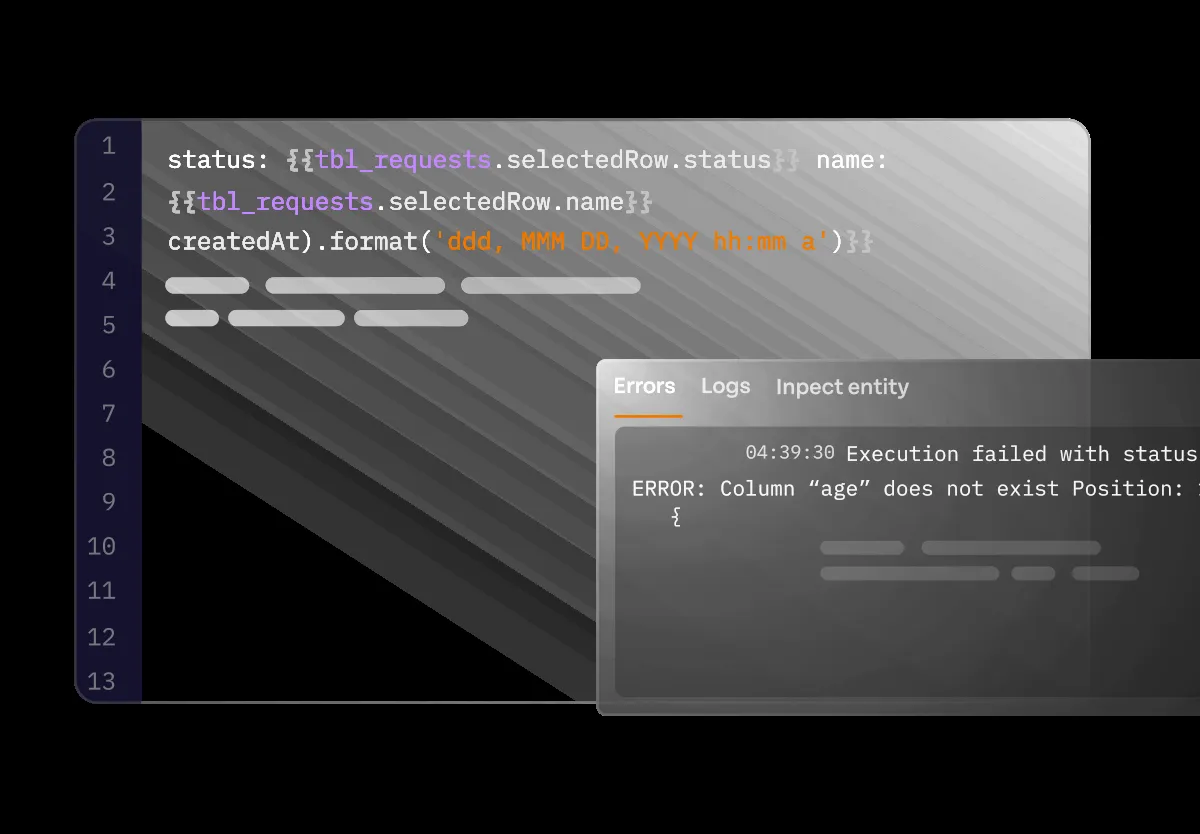
Drag-and-Drop Builder
45+ pre-built widgets including tables with sorting/filtering/pagination, forms with validation, charts, maps, modals, tabs, and file pickers. Widgets are connected to data sources through queries with automatic data binding.
Database and API Connectors
Native connectors for PostgreSQL, MySQL, MongoDB, Snowflake, Elasticsearch, Redis, REST APIs, GraphQL, Google Sheets, Airtable, and more. Queries are written in the native language (SQL, MQL, HTTP) with variable binding from UI widgets.
JavaScript Everywhere
Custom JavaScript in any widget property, query transformer, or event handler. JS Objects provide reusable functions and state management. This escape hatch ensures you're never blocked by the visual builder's limitations.
Self-Hosting
Deploy Appsmith on your own infrastructure with Docker or Kubernetes. Self-hosting provides complete data control — queries run from your servers to your databases, with no data passing through Appsmith's cloud. This is critical for security-sensitive organizations.
Git Integration
Version control Appsmith applications with Git — branch, merge, and review changes like code. This enables team collaboration, change tracking, and CI/CD workflows for internal tools.
Ideal Use Cases
Budget-Conscious Internal Tools
Teams that need admin panels, customer support dashboards, and CRUD apps but can't justify Retool's $10-50/user/month per-seat pricing. Appsmith's free self-hosting eliminates licensing costs entirely — the only cost is the Docker/Kubernetes infrastructure.
Data-Sensitive Organizations
Companies in healthcare (HIPAA), finance (PCI DSS), or government that require internal tools to run on their own infrastructure with no data leaving their network. Appsmith's self-hosting provides this guarantee — queries run from your servers to your databases.
Developer-Led Teams
Engineering teams comfortable with Docker/Kubernetes deployment and JavaScript customization who want maximum control over their internal tool platform. Appsmith's Git integration fits naturally into existing development workflows.
Startups Replacing Spreadsheets
Early-stage companies using Google Sheets for operations (order tracking, inventory, customer management) that need a proper application but can't afford commercial tools. Appsmith provides a free upgrade path from spreadsheets to real applications.
Strengths & Trade-offs
Pros
- Free and open-source — Apache 2.0 license, self-hosted with unlimited users and apps; no per-seat costs
- 34,000+ GitHub stars — largest open-source community in the internal tools space
- Self-hosting — complete data control with Docker/Kubernetes deployment
- Git integration — version control for internal tools; branch, merge, and review changes
- JavaScript customization — custom JS anywhere ensures you're never limited by the visual builder
Cons
- Business-plan cost — Business costs $15 per month per user.
Getting Started
Getting started with Appsmith is straightforward. Visit the official website to create a free account or download the application. The onboarding process typically takes under 5 minutes, and most users can be productive within their first session. For teams evaluating Appsmith against alternatives, we recommend a 2-week trial period to assess whether the feature set and user experience align with your specific workflow requirements. Documentation and community resources are available to help with initial setup and configuration.
The tool continues to evolve with regular updates and feature additions. Teams considering adoption should evaluate the current version against their specific requirements, as capabilities and pricing may change. For organizations with complex compliance or security requirements, we recommend engaging directly with the vendor's sales team to discuss enterprise features, SLAs, and custom deployment options. Community resources including documentation, tutorials, and user forums provide additional support for teams during evaluation and onboarding.