Flowise: product and architecture
This Flowise review examines one of the most accessible open-source platforms for building LLM-powered applications without writing extensive code. Flowise provides a drag-and-drop visual interface built on top of LangChain, enabling developers and non-technical teams to assemble chatbots, retrieval-augmented generation (RAG) pipelines, and multi-agent workflows in minutes rather than days. We evaluated Flowise based on its documentation, GitHub repository activity, integration ecosystem, and hands-on workflow design to help you decide whether it fits your AI development stack.
Overview
Flowise is an open-source, low-code platform for building LLM agent flows, chatbots, and RAG applications. The project is built as a visual abstraction layer on top of LangChain, the widely adopted Python and JavaScript framework for LLM orchestration. Flowise exposes LangChain's chains, agents, memory modules, and document loaders through a browser-based node editor, letting users wire together components visually and deploy them as REST API endpoints.
The project targets two distinct audiences: developers who want to prototype LLM pipelines faster than writing raw LangChain code, and operations or product teams who need to build AI-powered workflows without deep programming expertise. Flowise can be self-hosted on any infrastructure — a single Docker container, a VM, or Kubernetes — and requires only Node.js 18+ to run. Installation is a single npm command: npm install -g flowise && npx flowise start. The platform stores flow configurations in a local SQLite database by default, with optional PostgreSQL or MySQL support for production deployments.
Key Features and Architecture
Flowise's architecture centers on a node-based canvas where each node represents a LangChain component — LLMs, embeddings, vector stores, document loaders, chains, or agents. Users connect nodes with edges to define data flow, and the platform compiles the visual graph into executable LangChain code at runtime.
LLM and Embedding Support. Flowise connects to over 30 LLM providers out of the box, including OpenAI GPT-4, Anthropic Claude, Google Gemini, Azure OpenAI, AWS Bedrock, Ollama for local models, and Hugging Face Inference API endpoints. Embedding models from OpenAI, Cohere, and local alternatives are supported for RAG pipelines.
Vector Store Integrations. The platform integrates with Pinecone, Weaviate, Chroma, Qdrant, Milvus, Supabase, PostgreSQL with pgvector, and FAISS for vector similarity search. Users can ingest documents from PDF, CSV, JSON, DOCX, and plain text formats through built-in document loaders.
Agentflow and Multi-Agent Orchestration. The Agentflow feature enables multi-agent systems with workflow orchestration distributed across coordinated agents. Users can define agent roles, tool access, and handoff conditions visually, supporting patterns like supervisor-worker and sequential agent chains.
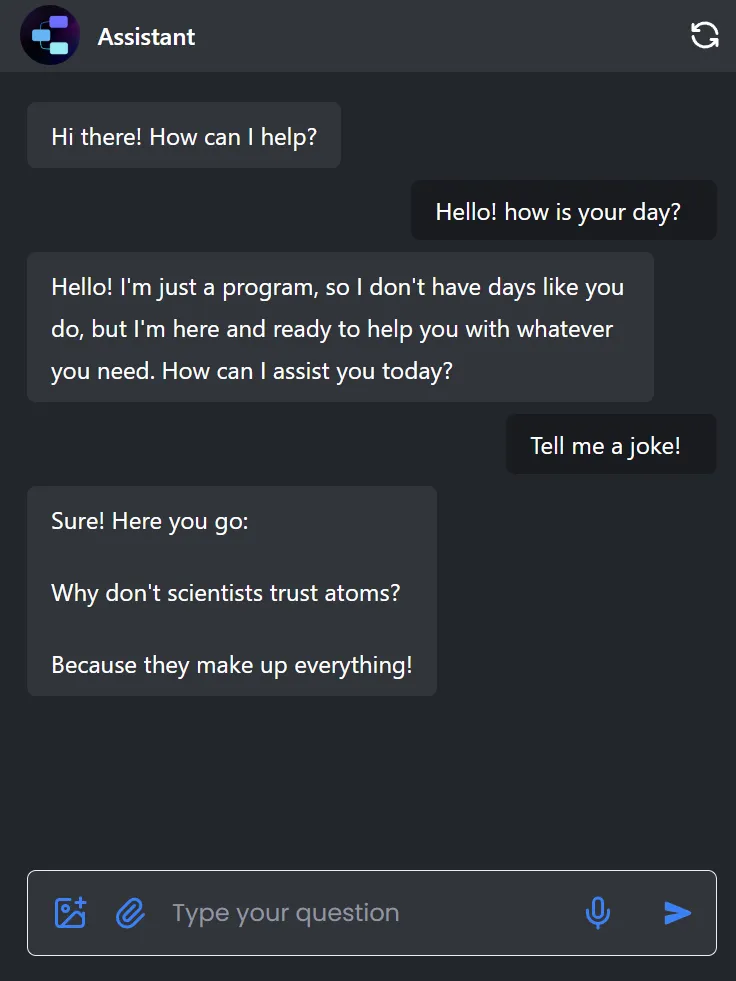
API-First Deployment. Every Flowise chatflow automatically exposes a REST API endpoint with a unique identifier. This enables embedding conversational AI into existing applications, Slack bots, or customer-facing products without additional backend code. The platform also provides a built-in chat widget for quick web embedding.
Memory and Conversation Management. Flowise supports multiple memory backends — in-memory, DynamoDB, Redis, MongoDB, and Zep — for maintaining conversation history across sessions. This is critical for production chatbot deployments where state persistence matters.
Ideal Use Cases
Rapid prototyping for AI teams (2-10 developers). Flowise excels when engineering teams need to test LLM pipeline ideas quickly. Wiring up a RAG chatbot with Pinecone and GPT-4 takes minutes in the visual editor versus hours of LangChain boilerplate code.
Internal knowledge base assistants. Organizations that want to deploy a document-grounded Q&A bot over internal PDFs, Confluence pages, or Notion databases benefit from Flowise's turnkey document ingestion and vector store integration.
Non-technical teams building AI workflows. Product managers or operations leads who understand what they want an LLM to do but lack Python expertise can use Flowise to build and iterate on flows independently.
Startups shipping MVP chatbots. The built-in API endpoint and embeddable chat widget make Flowise a practical choice for startups that need a conversational AI feature shipped fast without building custom infrastructure.
Not suitable for: teams that need fine-grained control over LangChain internals, production systems requiring sub-100ms latency optimization, or enterprises that need SOC 2 compliance out of the box — Flowise is self-hosted and does not provide managed compliance certifications.
Pros and Cons
Pros:
- Genuinely low barrier to entry — the visual canvas makes LangChain accessible to non-Python developers, reducing time-to-first-chatbot from days to under an hour
- Extensive integration catalog with 30+ LLM providers and 8+ vector stores supported natively, covering most production embedding and retrieval stacks
- Apache 2.0 license with no feature gating — unlike some open-core projects, there are no premium-only nodes or enterprise paywalls
- Single-command installation (
npx flowise start) and lightweight resource footprint make local development and CI testing straightforward - Active open-source community with regular releases and responsive maintainers on GitHub and Discord
Cons:
- Visual abstraction can become limiting for complex chains — debugging a 40-node flow in the canvas is harder than reading equivalent Python code
- Performance overhead from the Node.js runtime and visual compilation layer adds latency compared to direct LangChain SDK calls
- Limited observability and monitoring tooling — no built-in tracing dashboard for token usage, latency breakpoints, or cost tracking across flows
- Tightly coupled to LangChain's abstractions, so breaking changes in upstream LangChain releases can temporarily break Flowise nodes until patched