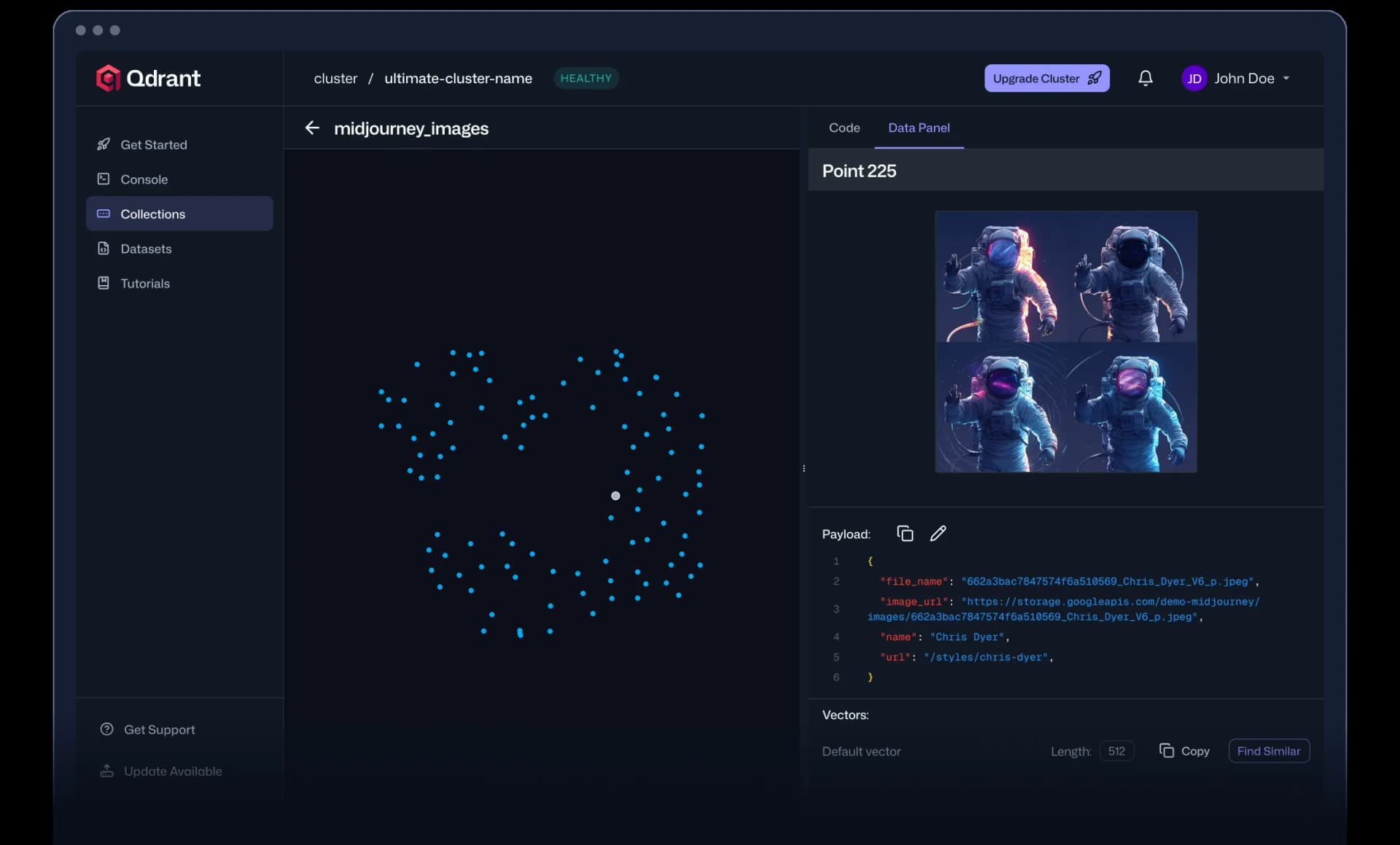
If you are evaluating Qdrant alternatives, the vector database landscape offers several strong options depending on your architecture preferences, deployment model, and budget. Qdrant is an open-source, Rust-based vector search engine known for its high-performance HNSW indexing, native hybrid search (dense + sparse vectors), and flexible deployment options spanning self-hosted, cloud, hybrid cloud, and edge. With over 30,000 GitHub stars, SOC 2 and HIPAA compliance support, and features like built-in multivector, one-stage filtering, and advanced quantization, Qdrant has earned a strong following among teams building RAG pipelines, AI agents, semantic search, and recommendation systems. However, factors like specific cloud preferences, cost structures, operational complexity, or the need for a fully managed service may lead teams to explore alternatives.
Top Alternatives Overview
Pinecone is a fully managed, serverless vector database built for production-scale AI applications. Unlike Qdrant, which offers both self-hosted and managed options, Pinecone is exclusively cloud-hosted, eliminating all infrastructure management. It provides a free Starter tier with up to 2 GB of storage, a Standard plan with a minimum of $50/month, and an Enterprise plan starting at $500/month. Pinecone supports dense and sparse indexes, real-time indexing, metadata filtering, and integrates embedding and reranking models directly into its platform. Its serverless architecture on object storage provides automatic scaling, while enterprise features include a 99.95% uptime SLA, private networking, SAML SSO, and HIPAA certification.
Weaviate is an open-source vector database with a strong focus on hybrid search combining vector and keyword (BM25) capabilities. Self-hosted Weaviate is free and fully featured. Its managed Weaviate Cloud starts with a 14-day free sandbox, then moves to Flex at $45/month minimum (pay-as-you-go, 99.5% SLA) and Premium at $400/month (dedicated infrastructure, up to 99.95% SLA). Weaviate supports built-in vectorizer modules for over 20 ML models, native multi-tenancy, RBAC, and vector index compression. It offers GraphQL and REST APIs alongside Python, Go, and TypeScript SDKs.
pgvector is an open-source PostgreSQL extension that adds vector similarity search directly to PostgreSQL. It is entirely free and self-hosted, with no managed cloud offering from the pgvector project itself (though cloud PostgreSQL providers like Supabase and Neon bundle it). With over 20,000 GitHub stars, pgvector appeals to teams already running PostgreSQL who want to add vector search without introducing a separate database. It supports cosine, inner product, and L2 distance metrics, along with HNSW and IVFFlat indexing.
Turbopuffer is a serverless vector and full-text search database built on object storage (S3). Its architecture makes it particularly cost-effective for workloads with large volumes of infrequently accessed vectors. Turbopuffer offers a Launch plan at $16/month and a Scale plan at $256/month, with an Enterprise tier available by contacting sales. It handles production workloads at significant scale and provides sub-10ms p50 latency for warm queries, though cold queries accessing data from object storage may take longer.
LanceDB is an open-source, multimodal vector database with native versioning and S3-compatible object storage support. Designed for both AI search and model training workloads, LanceDB can be self-hosted for free, with cloud pricing available upon request. It positions itself as an AI-native lakehouse platform that handles text, image, and other modalities in a single system.
Vespa is an open-source AI search platform developed originally at Yahoo, with over 7,000 GitHub stars. It combines big data serving, vector search, machine-learned ranking, and real-time inference in one system. Vespa's Community Edition is free for self-hosting, with managed cloud pricing available. It is designed for enterprise-scale applications requiring complex ranking models and real-time data updates across billions of documents.
Architecture and Approach Comparison
The fundamental architectural differences between these vector databases determine which workloads they serve best. Qdrant is built entirely in Rust with SIMD optimizations and a custom storage engine called Gridstore. It uses HNSW for approximate nearest neighbor search with a distinctive one-stage filtering approach where metadata filters are applied during graph traversal rather than as a pre- or post-processing step. This design delivers high recall with low latency even under complex filter conditions. Qdrant supports real-time indexing, meaning vectors become searchable immediately upon insertion without requiring an index rebuild.
Pinecone takes a fully managed serverless approach with an object-storage-backed architecture. Its tiered storage system caches vectors across memory, SSD, and object storage for cost efficiency. Pinecone handles all infrastructure concerns including scaling, replication, and failover. The tradeoff is zero self-hosting capability and vendor lock-in to Pinecone's platform. For teams that want to avoid infrastructure management entirely, this is a feature rather than a limitation.
Weaviate's architecture centers on its module ecosystem. Rather than requiring pre-computed embeddings, Weaviate can generate vectors on ingestion through built-in vectorizer modules that connect to models like OpenAI, Cohere, and Hugging Face. Its hybrid search merges BM25 keyword scoring with vector similarity in a single query. Weaviate supports horizontal scaling through sharding and replication, with native multi-tenancy that allows efficient resource sharing across isolated tenant datasets.
pgvector takes the extension approach, adding vector operations to PostgreSQL rather than building a standalone database. This means teams get vector search alongside their existing relational data, transactions, and SQL tooling. The tradeoff is performance at very large scale: purpose-built vector databases like Qdrant typically outperform pgvector on high-dimensional similarity search across billions of vectors, but for datasets under tens of millions of vectors, pgvector often provides sufficient performance while eliminating the operational overhead of a separate system.
Turbopuffer's architecture is built from first principles on object storage (S3/GCS/Azure Blob). All vectors live on object storage by default, with hot data automatically cached on NVMe SSDs and RAM based on access patterns. This tiered approach means you pay object storage rates for cold data and higher rates only for actively accessed data. For workloads with natural hot/cold patterns (such as code search across millions of repositories where most sit idle), this can reduce costs substantially compared to databases that store everything on SSDs.
Vespa stands apart by combining vector search with a full computation engine for real-time ranking and inference. While most vector databases focus on retrieval, Vespa can execute complex ranking expressions, machine learning models, and business logic at query time. This makes it suited for applications like personalized search and recommendations where the ranking function goes beyond simple vector similarity.
Pricing Comparison
Pricing models across vector databases vary significantly based on whether the product is self-hosted, managed cloud, or serverless. Qdrant offers a free tier on Qdrant Cloud and follows a freemium model with usage-based cloud pricing. Self-hosted Qdrant is free and open source under the Apache 2.0 license.
Pinecone provides a free Starter tier (up to 2 GB storage, limited read/write units). Its Standard plan requires a minimum of $50/month with pay-as-you-go pricing beyond that. The Enterprise plan starts at $500/month and adds a 99.95% uptime SLA, private networking, and HIPAA compliance. Pricing is based on read units, write units, and storage consumed.
Weaviate's self-hosted option is free with no restrictions. Weaviate Cloud Flex starts at $45/month minimum with usage-based billing for vector dimensions, storage, and backups. The Premium plan starts at $400/month and adds dedicated infrastructure, up to 99.95% uptime, and priority support with faster response times.
Turbopuffer's Launch plan costs $16/month, the Scale plan $256/month, and Enterprise requires contacting sales. Pricing is based on storage (logical bytes), writes (per GB written), and queries (per GB queried with volume discounts). There is no free tier.
pgvector, LanceDB, Vespa (Community Edition), and FAISS are all open source and free to self-host. The cost with these tools is infrastructure (compute, memory, storage) and the engineering time to deploy and maintain them. For pgvector, running on a managed PostgreSQL service typically ranges from the cost of the underlying database instance. LanceDB and Vespa offer cloud options with pricing available on request.
For teams evaluating total cost, the key question is whether to invest in infrastructure management (self-hosted) or pay a premium for managed services. A small RAG application with under a million vectors can run affordably on self-hosted pgvector or Qdrant. At production scale with billions of vectors, the managed options (Pinecone, Weaviate Cloud, Qdrant Cloud) remove operational burden but increase direct costs.
When to Consider Switching
Several scenarios make it worth evaluating alternatives to Qdrant. If your team already runs PostgreSQL in production and your vector search needs are modest (under tens of millions of vectors), pgvector eliminates the need for a separate database system. You gain the benefit of joining vector similarity results with relational data in standard SQL queries, using existing backup and monitoring infrastructure, and avoiding an additional operational dependency.
If you want a fully managed experience with zero infrastructure management, Pinecone is the most straightforward option. Teams without dedicated DevOps or infrastructure engineers often find the premium worthwhile because it eliminates the need to manage scaling, replication, upgrades, and monitoring. Pinecone's built-in embedding and reranking models also simplify the end-to-end retrieval pipeline.
If cost efficiency on large, cold-heavy datasets is the priority, Turbopuffer's object-storage-first architecture is worth evaluating. Applications like code search engines (where millions of repositories sit idle most of the time) or multi-tenant RAG systems (where most tenants have low query volume) benefit from paying object storage rates for dormant data rather than SSD rates for everything.
If you need hybrid search with integrated embedding generation and want an open-source foundation, Weaviate's module ecosystem and built-in vectorizer support offer a differentiated approach. Teams that want to avoid managing separate embedding pipelines may find Weaviate's all-in-one approach more streamlined.
If your use case requires complex ranking models, real-time inference at query time, or you are building an application that blends search, recommendations, and personalization in a single serving layer, Vespa's computation engine provides capabilities that go beyond what pure vector databases offer.
Migration Considerations
Migrating from Qdrant to another vector database involves several technical decisions. First, export your vectors and payloads from Qdrant collections. Qdrant's REST and gRPC APIs support scrolling through points in batches, allowing you to extract vectors along with their associated JSON payloads and IDs.
For Pinecone migration, you will need to map Qdrant's collection structure to Pinecone's index and namespace model. Qdrant payloads map directly to Pinecone metadata. Be aware that Pinecone Serverless uses different pricing units (read units and write units) than Qdrant's model, so run cost estimates with realistic query patterns before committing. Pinecone's upsert API accepts vectors in batches, and their Python SDK handles retry logic for large imports.
For Weaviate migration, you can use Weaviate's built-in vectorizer modules to re-embed your data on ingestion if your original embedding model is supported. Alternatively, import pre-computed vectors directly. Weaviate's collection schema requires defining property types upfront, which differs from Qdrant's more flexible payload model. Multi-tenancy configuration in Weaviate also differs from Qdrant's approach and may require restructuring how you partition tenant data.
For pgvector migration, the key change is moving from Qdrant's document-oriented model to a relational schema. Each Qdrant collection maps to a PostgreSQL table with a vector column. Payload fields become regular table columns with appropriate data types. You gain the ability to use standard SQL joins, transactions, and constraints, but you lose features like Qdrant's built-in multivector support and its HNSW implementation optimized specifically for filtered search.
Regardless of the target system, plan for a parallel-run period where both systems serve queries. Validate that search quality (recall and relevance) meets your requirements in the new system before cutting over. Differences in distance metrics, index parameters, and filtering implementations can produce subtly different result rankings even with identical vectors and queries.