Decision comparison
ChromaDB vs Qdrant
Chroma and Qdrant sit at different points of the same project's life. Chroma is built to be running in minutes — in-process for development, a server when you need one — which makes it the fastest way to get a retrieval prototype working. Qdrant is built for what comes after: filtering that stays fast with selective predicates, quantisation to keep memory affordable, and horizontal scaling.
Direct comparison. These are reviewed substitutes bought for the same job, so the differences below are the ones that decide between them.
All 2 are vector databases.
Quick Comparison
| Decision factor | ChromaDB | Qdrant |
|---|---|---|
| What it is | A developer-first vector store designed to be running in minutes, from a laptop prototype through to light production | An open-source vector database written in Rust, with strong metadata filtering and a managed cloud alongside self-hosting |
| Design goal | Running in minutes, from a laptop prototype to light production | Production retrieval at scale, with filtering and memory control as first concerns |
| Deployment | In-process for development, or a server, with an object-storage backend available | Self-hosted with Docker or Kubernetes, or Qdrant Cloud |
| Filtering | Metadata filtering suited to straightforward predicates | Payload filtering designed to stay fast when predicates are selective |
| Memory control | Simpler defaults, with less to tune | Quantisation and on-disk options to keep large corpora affordable |
| Language | Python-first, with a JavaScript client | Rust core, with clients across languages |
| Best fit | Getting a retrieval prototype working and into light production quickly | Corpora and query loads that have outgrown the simple arrangement |
| Integration path | Python and JavaScript clients over a REST API, with LangChain and LlamaIndex support | Python and JavaScript clients over a REST API, with LangChain and LlamaIndex support |
ChromaDB
- What it is:
- A developer-first vector store designed to be running in minutes, from a laptop prototype through to light production
- Design goal:
- Running in minutes, from a laptop prototype to light production
- Deployment:
- In-process for development, or a server, with an object-storage backend available
- Filtering:
- Metadata filtering suited to straightforward predicates
- Memory control:
- Simpler defaults, with less to tune
- Language:
- Python-first, with a JavaScript client
- Best fit:
- Getting a retrieval prototype working and into light production quickly
- Integration path:
- Python and JavaScript clients over a REST API, with LangChain and LlamaIndex support
Qdrant
- What it is:
- An open-source vector database written in Rust, with strong metadata filtering and a managed cloud alongside self-hosting
- Design goal:
- Production retrieval at scale, with filtering and memory control as first concerns
- Deployment:
- Self-hosted with Docker or Kubernetes, or Qdrant Cloud
- Filtering:
- Payload filtering designed to stay fast when predicates are selective
- Memory control:
- Quantisation and on-disk options to keep large corpora affordable
- Language:
- Rust core, with clients across languages
- Best fit:
- Corpora and query loads that have outgrown the simple arrangement
- Integration path:
- Python and JavaScript clients over a REST API, with LangChain and LlamaIndex support
Public signals
Verified factual signals only. Bars appear only for like-for-like metrics with five weekly assessments for every tool; missing evidence stays explicit. These signals do not establish enterprise adoption, product quality, or total cost.
| Metric | ChromaDB | Qdrant |
|---|---|---|
| Docker Hub pulls(Product adoption) | 7.7M | 46.6M |
| GitHub commits, 90d(Product adoption) | 156 | 754 |
| GitHub stars(Product adoption) | 29,000+ | 34,000+ |
| Search interest(Market interest) | 0 | 3 |
| Hacker News mentions, 90d(Community interest) | 1 | 8 |
| Hugging Face downloads(Product adoption) | 980 | 3.9M |
| Hugging Face likes(Product adoption) | 427 | 69 |
| npm weekly downloads(Developer adoption) | 211.3k | 601.6k |
| PyPI weekly downloads(Product adoption) | 1.4M | Not available |
| Stack Overflow questions(Community interest) | 266 | 60 |
| PyPI weekly downloads(Developer adoption) | Not available | 2.7M |
As of September 21, 2026 — updated weekly.
Health & risk evidence
Observed public-source checks for mapped package versions and repositories.
ChromaDB
September 21, 2026Package vulnerabilities
npm · chromadb@3.5.0 · PyPI · chromadb@1.5.9
8 vulnerabilities
across 2 packages
Repository security score
Not available
Qdrant
September 21, 2026Package vulnerabilities
npm · @qdrant/js-client-rest@1.19.0 · PyPI · qdrant-client@1.19.1
0 vulnerabilities
across 2 packages
Repository security score
Not available
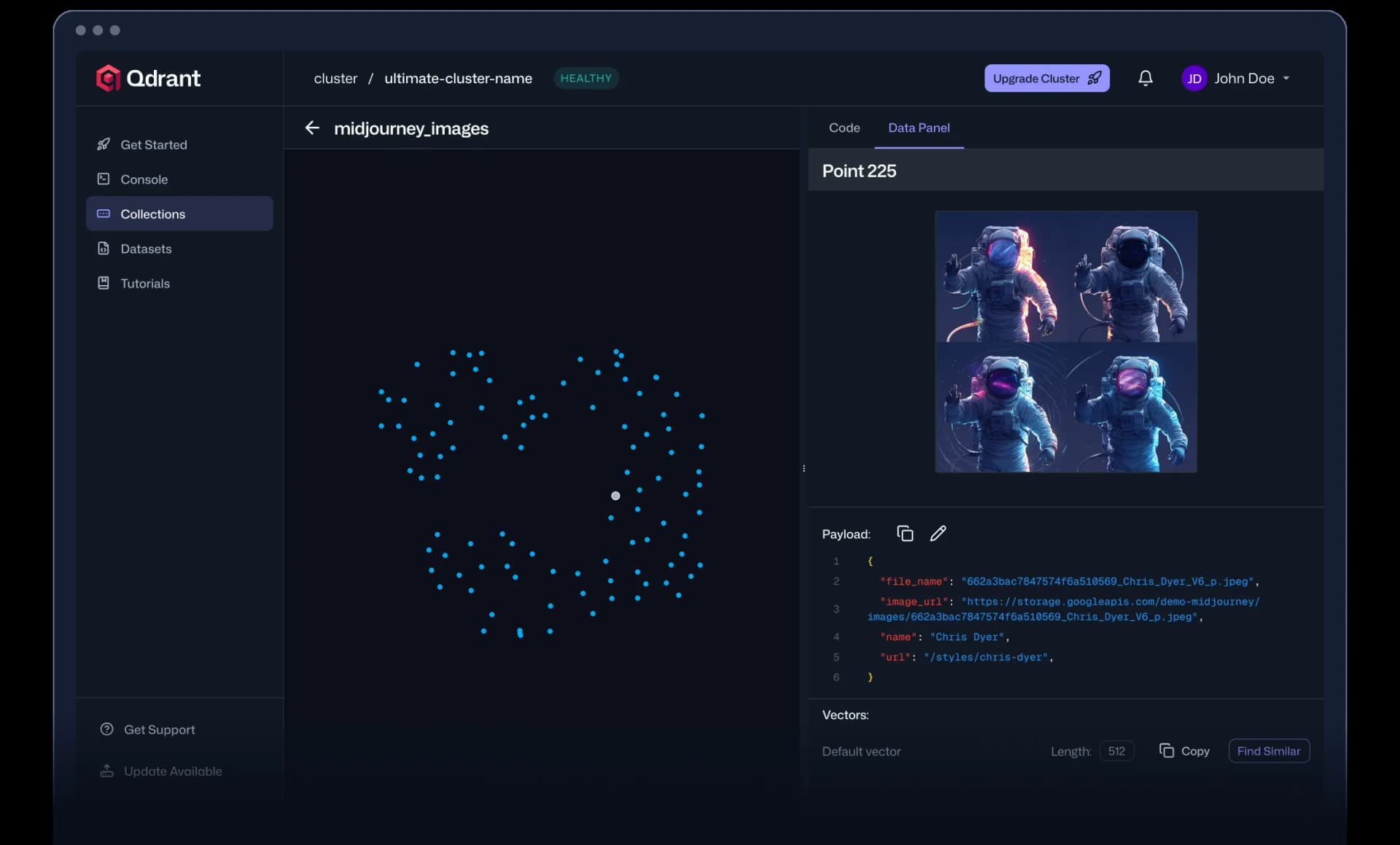
Interface Preview
Qdrant
Feature Comparison
| Feature | ChromaDB | Qdrant |
|---|---|---|
| Adoption | ||
| Running in minutes | Full support | Partial support |
| In-process mode for development | Full support | Not verified |
| Managed cloud option | Full support | Full support |
| Open source | Full support | Full support |
| Scale | ||
| Quantisation to reduce memory | Partial support | Full support |
| Filtering with selective predicates | Partial support | Full support |
| Horizontal scaling | Partial support | Full support |
| Hybrid keyword and vector search | Partial support | Full support |
| Operations | ||
| Object storage backend | Full support | Partial support |
| Self-hosted deployment | Full support | Full support |
| Role-based access control | Partial support | Full support |
| Snapshots and backup | Partial support | Full support |
| Integration | ||
| Python and JavaScript clients | Full support | Full support |
| REST API | Full support | Full support |
| Metadata stored with vectors | Full support | Full support |
| Works with LangChain and LlamaIndex | Full support | Full support |
Adoption
Running in minutes
In-process mode for development
Managed cloud option
Open source
Scale
Quantisation to reduce memory
Filtering with selective predicates
Horizontal scaling
Hybrid keyword and vector search
Operations
Object storage backend
Self-hosted deployment
Role-based access control
Snapshots and backup
Integration
Python and JavaScript clients
REST API
Metadata stored with vectors
Works with LangChain and LlamaIndex
Which to choose
Chroma and Qdrant sit at different points of the same project's life. Chroma is built to be running in minutes — in-process for development, a server when you need one — which makes it the fastest way to get a retrieval prototype working. Qdrant is built for what comes after: filtering that stays fast with selective predicates, quantisation to keep memory affordable, and horizontal scaling.
Best-fit scenarios
Choose ChromaDB if:
Choose Chroma when the goal is to find out whether retrieval helps at all. Running in-process removes every deployment question from the first week, the Python-first API is short, and an object-storage backend means the same store can carry light production rather than forcing a migration the moment the prototype works.
Choose Qdrant if:
Choose Qdrant when the corpus and the query load have outgrown convenience. Filtering designed for selective predicates is what real queries need, quantisation keeps memory tractable as vectors accumulate, and horizontal scaling plus access control and snapshots are what a production system is judged on.
These scenarios reflect the available product evidence. Your requirements, existing stack, and team expertise should guide the final decision.
Frequently Asked Questions
Can we start with one and move later?
Yes, and it is a common path — provided the retrieval interface stays thin. If the application calls a function that takes a query and filters and returns documents, swapping the store behind it is a day's work. If store-specific calls are scattered through the codebase, the prototype's convenience has quietly become a rewrite. Decide that boundary in week one.
What changes between prototype and production?
Not the nearest-neighbour search, which both do well. What changes is everything around it: reindexing when documents change, filtered recall when predicates are selective, concurrency once the index leaves the application process, and what happens when the embedding model is upgraded and the whole corpus is suddenly from the wrong one.
How does filtering work on each?
Almost every production query is "similar to this, and belonging to this customer, and not archived". Qdrant applies payload filters during graph traversal rather than after retrieval, which is the specific reason it holds up when a predicate matches a small share of the collection — the naive order returns too few neighbours exactly when the filter matters most. Chroma filters on metadata through its own `where` clauses, which is adequate for the common cases and is not built for highly selective predicates over large collections. Benchmark with your most selective filter rather than an unfiltered query set.
What keeps embeddings in step with the rows they describe?
A pipeline you own, in both cases: neither holds your source records, so an edit, a rename or a deletion has to become a re-embed and an index update, in order, with retries. The two differ only in what they give you to work with. Qdrant's upserts are keyed by your own ids and payload updates do not require re-embedding, which makes incremental maintenance cheap. Chroma's simpler API suits collections rebuilt wholesale rather than patched. Decide which pattern your corpus needs before choosing, because retrofitting incremental updates onto a rebuild-only design is the harder direction.
What do these need to run?
An embedding model and a client. Applications in Python or JavaScript call a REST API, embeddings come from an OpenAI, Cohere or open-source model, and the retrieval framework is usually LangChain or LlamaIndex. Self-hosted options run as containers on Docker or Kubernetes with S3 or compatible object storage behind them; managed options need only an API key. The infrastructure is unremarkable — the work is in chunking, embedding choice and keeping the index current.
How should we evaluate them?
With your own corpus and your own queries, measuring recall rather than latency alone. Approximate nearest neighbour search trades accuracy for speed, and the tuning knobs differ between engines, so a fast engine returning worse neighbours looks good on a benchmark and bad to a user. Build a small set of queries with known correct answers, then compare recall at the latency you actually need.