Buying snapshot
Scroll sideways to see all columns. With a keyboard, focus this table and use the arrow keys.
| Decision point | What Ollama states |
|---|---|
License and install | MIT license. Install scripts for macOS, Linux and Windows, manual downloads, and an official Docker image. |
Local API | A REST API for running and managing models at localhost:11434, official Python and JavaScript libraries, and llama.cpp as a supported backend. |
Cloud hosting | Primarily in the United States; Ollama may route to Europe for extra capacity. |
Cloud models | Native weights as released by the model provider, which may use accelerated formats such as NVFP4 on modern NVIDIA hardware. Models trained for tools are tested for tool calling before they go live. |
Accounts | One account per person. Joining a team creates a separate team account under the same login. |
Our take
Choose Ollama when developers want open models on their own machines behind a local API, with hosted models available through the same tool. Local use is unlimited and the Free plan can buy cloud credits, so a paid plan matters when you want monthly included credits or more requests at once.
Evaluate Ollama
Comparisons
Where it stands out
Unlimited local use. Running models on your own hardware is always unlimited, on every plan including Free. Plans and usage credits pay for cloud models.
Quick setup with coding agents.
ollama launchconnects Claude Code, Codex, Copilot CLI, Droid, OpenCode and others. The README also lists community integrations such as Open WebUI, Continue, Cline, LangChain, LlamaIndex and LiteLLM.Stated privacy terms for the cloud. Ollama says prompt and response data is never logged or trained on, and that its NVIDIA Cloud Provider partners must have no-logging, no-training and zero-data-retention policies.
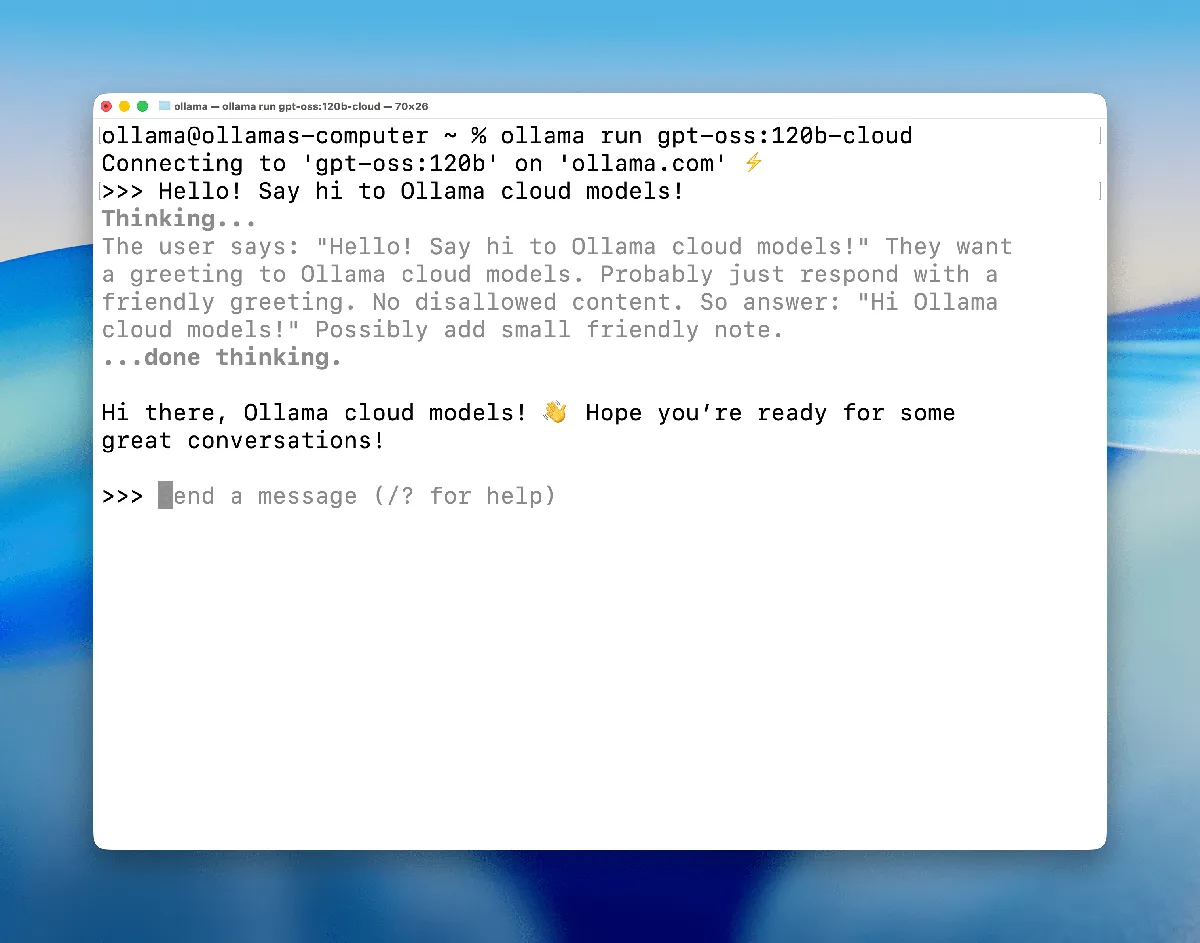
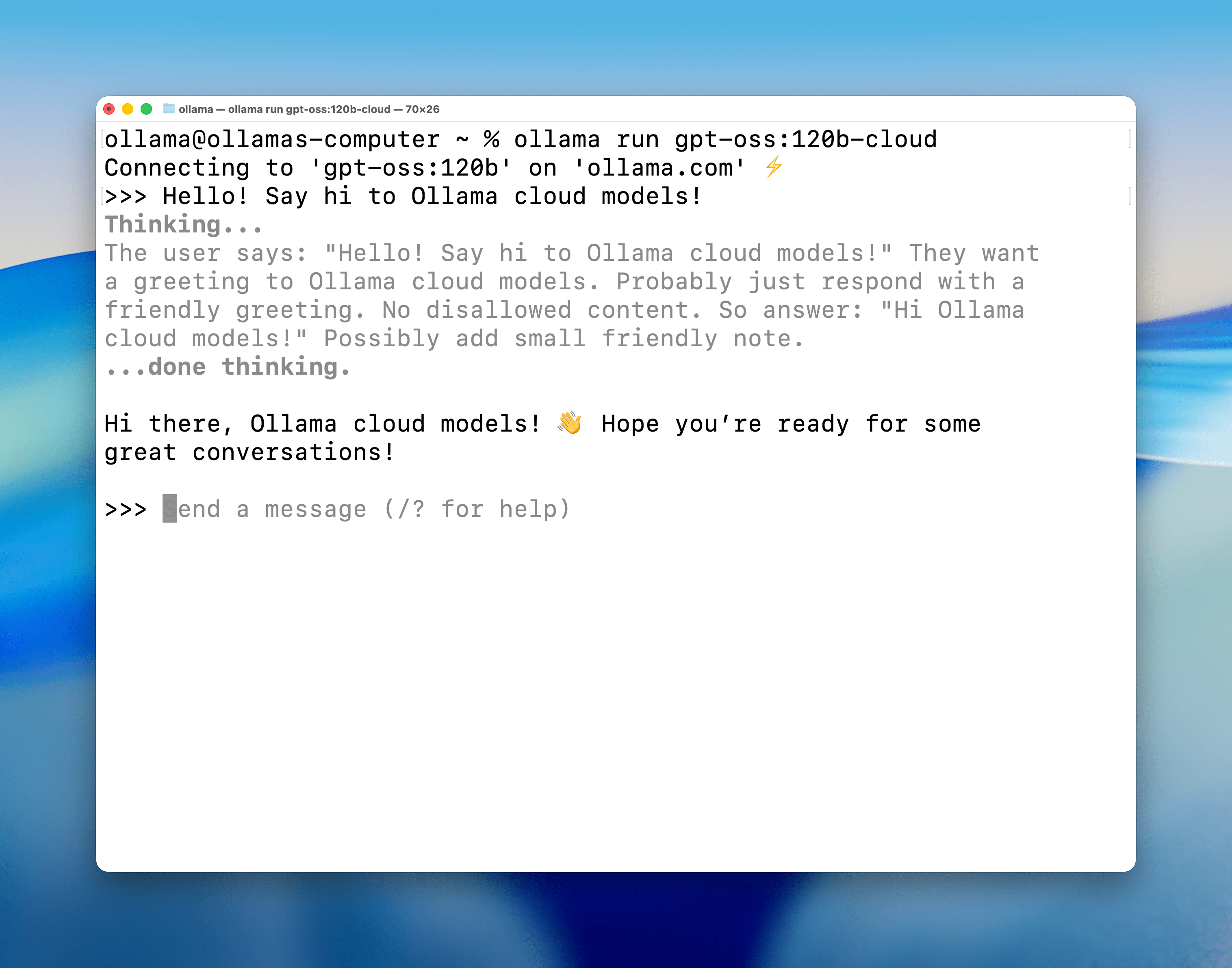
Product screenshot
Trade-offs to weigh
Parallel agents can queue. Requests above your plan's concurrency limit wait in a queue up to a fixed limit. When the queue is full, new requests are rejected until a slot opens. Match the plan to how many requests you send at once.
Included credits do not roll over. Pro, Max and Team reset monthly on the day the subscription started, even on annual billing; Free resets from the sign-up date.
Team is still early access. Ollama labels the Team plan early access, and its shared projects, skills and instructions are listed as coming soon.
Pricing and plan conditions
Cloud usage is measured in tokens at each model's rate. Pro, Max and Team include a set dollar amount of usage credits each month; Free includes a starter amount for a smaller set of starter models. Any plan can buy more credits, which also unlocks all models, and Ollama spends included credits before purchased ones. On paid plans, Ollama sends an email at 90% of included usage. Team usage beyond its credits is billed as you go from a shared balance; you can add a set amount and turn off automatic usage billing. Off-peak rates apply outside 12:00 and 18:00 UTC on weekdays and all day on weekends.
Scroll sideways to see all columns. With a keyboard, focus this table and use the arrow keys.
| Plan | Published price | What the plan includes |
|---|---|---|
Free | $0 | Local models, starter usage credits and starter models, pay-as-you-go access to any cloud model, no service fees. 1 concurrent request. |
Pro | $20/mo, or $200/yr billed annually ($16.67/mo) | Everything in Free, plus $60 of usage credits per month, larger pro models, multiple models at once and Fast mode (coming soon). 3 concurrent requests. |
Max | $100/mo | Everything in Pro, plus $300 of usage credits per month and early access to the newest models. 10 concurrent requests. |
Team (early access) | $500/mo | Everything in Pro, plus unlimited users, $1,000 of usage credits per month shared across the team, centralized billing and administration, and priority support. 10 concurrent requests. |
Enterprise | Custom, with volume usage pricing | Everything in Team, plus model access controls, cost budgets for users and API keys, a private Slack channel with dedicated support, and custom security questionnaires. |
Scroll sideways to see all columns. With a keyboard, focus this table and use the arrow keys.
| Model | Input | Cached input | Output |
|---|---|---|---|
gpt-oss:20b | $0.07 | $0.035 | $0.30 |
gpt-oss:120b | $0.15 | $0.014 | $0.60 |
gemma4 | $0.14 | $0.05 | $0.40 |
deepseek-v4.1-flash | $0.30 | $0.006 | $1.20 |
deepseek-v4.1-flash (off-peak) | $0.15 | $0.003 | $0.60 |
deepseek-v4-pro | $1.32 | $0.044 | $3.96 |
deepseek-v4-pro (off-peak) | $0.66 | $0.022 | $1.98 |
glm-5.3 | $1.40 | $0.26 | $4.40 |
minimax-m3 | $0.60 | $0.12 | $2.40 |
mistral-large-4 | $0.68 | $0.07 | $2.09 |
kimi-k3 | $3.00 | $0.30 | $15.00 |
Public signals
About these signals
Verified factual signals from public sources. They indicate observable activity or interest, not total adoption, product quality, or cost.
366 GitHub commits 90d184.8k GitHub stars
See all signals from 5 sources
Community discussions
Hacker News discussions about Ollama. Points and comments measure engagement, not customer satisfaction.
- 138ptsOllama: All Aboard Open Models57 comments
Alternatives to Ollama
The reviewed substitutes for Ollama among the model runtimes, and what would make each one the better answer.
Direct alternatives
Reviewed substitutes: products bought for the same job, where a team picks one.
- LocalAI
- Choose LocalAI when your hardware is CPU-only, or when a single self-hosted endpoint needs to serve more than text.Applies to: Choosing between two products of the same kind for one job.
Other approaches
A different approach to the same problem. Each substitutes only for the workload named beside it.
- vLLM
- Ollama and vLLM both serve open-weight language models behind an OpenAI-compatible API. Ollama aims at getting a model answering quickly on a laptop or workstation, including on CPU, while vLLM aims at keeping GPUs saturated across many concurrent callers with continuous batching.Applies to: When an open-weight model is served on a single machine to a small number of users.
- Fireworks AI
- Fireworks AI is used rather than Ollama for pay-per-token serverless inference workloads where the specific model served decides the choice. **Fireworks AI** is another pay-per-token serverless option for open models, with $1 in free credits for new accounts to evaluate against.
- Groq
- Groq is preferred over Ollama for latency-sensitive interactive workloads, measured on your own prompts rather than a headline figure. **Groq** runs open models on custom LPU hardware built for low-latency inference, billed per token.
- Modal
- Choose it when inference is one job among several in a Python pipeline and you want one platform for all of them, rather than a dedicated runtime.Applies to: workloads where inference is one step in a Python pipeline that wants a single compute platform
- Replicate
- Replicate is used rather than Ollama for bursty or long-running generation workloads that are not chat-shaped. **Replicate** bills per second of compute rather than per token, with published hardware rates from CPU up through GPU tiers.
- Together AI
- Together AI is chosen instead of Ollama for open-weight inference workloads larger than a workstation holds, where prompts may leave the network. **Together AI** is the managed alternative for the same open models.
Related technologies
Normally used together rather than chosen between, so these are not alternatives.
- Hugging Face
- Hugging Face is the model hub these runtimes pull from, not a competing way to run a model locally. The runtime fetches weights from the Hub and serves them on the user's own machine, which is a supply relationship rather than a choice: a team running one is using the other. Recorded as complementary so it stays off the alternatives grid instead of presenting a registry as a substitute for a local server.Applies to: Running an open-weight model locally: Ollama serves it on the machine, Hugging Face is where the weights come from.